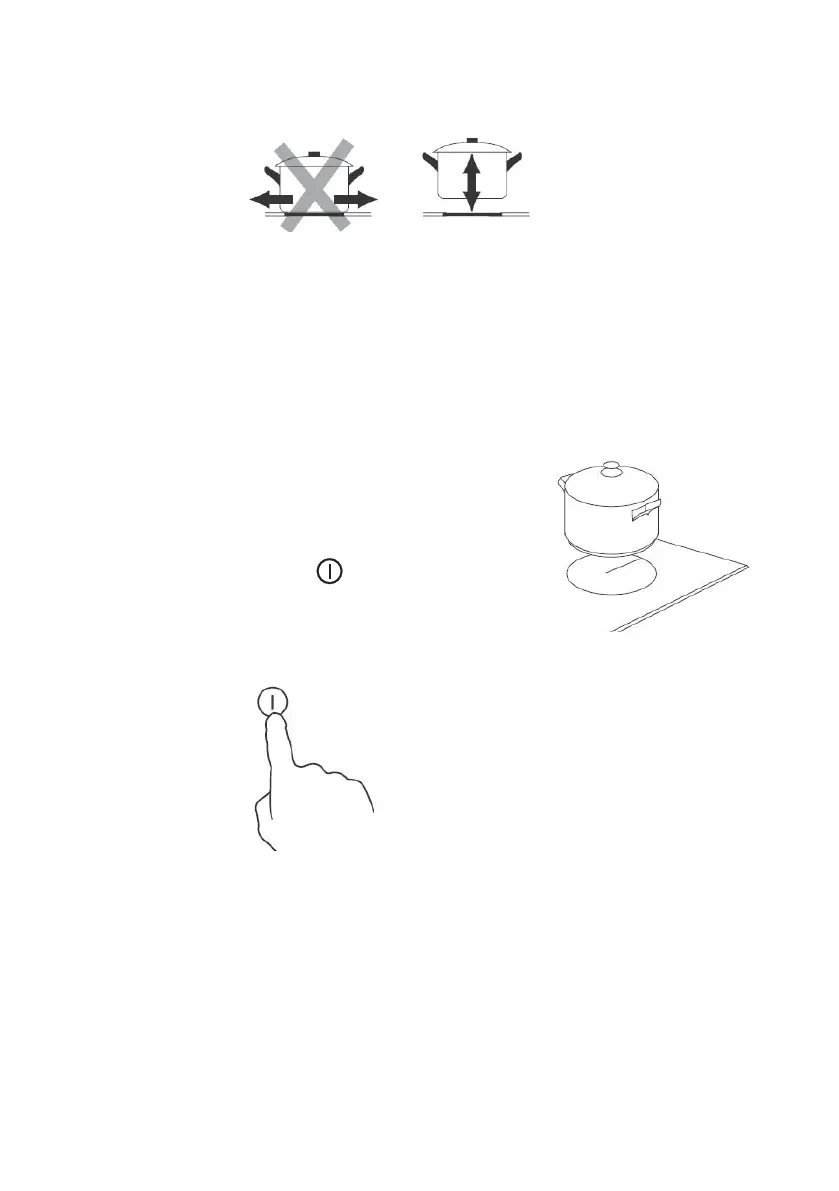
Always lift pans off the ceramic hob – do not slide,or they may scratch the glass.
Using your Ceramic Hob
To start cooking
1. Place a suitable pan on the cooking zone that you
wish to use.
• Make sure the bottom of the pan and the surface
of the cooking zone are clean and dry.
2. Touch the ON/OFF key(A) for 2 seconds.
After power on,the buzzer beeps once,all displays
show “0“,indicating that the ceramic
hob has entered the state of standby mode.
3. According to the heating zone where the pan is placed, press the “+” key
(C)
or “-” key(B),start with "9".
4. Select the power level from 0 to 9 by pressing the “+” key (C)
or “-”
key(B)


 To Next Page