• If you don’t choose a heat setting within 20 seconds,the ceramic hob will
automatically switch off.You will need to start again at step 2.
• You can modify the heat setting at any time during cooking.
Using the Timer
• You can set it to turn one cooking zone off after the set time is up.
• You can set the timer from 0 to 90 minutes.
1.Select the relevant cooking zone which is working.
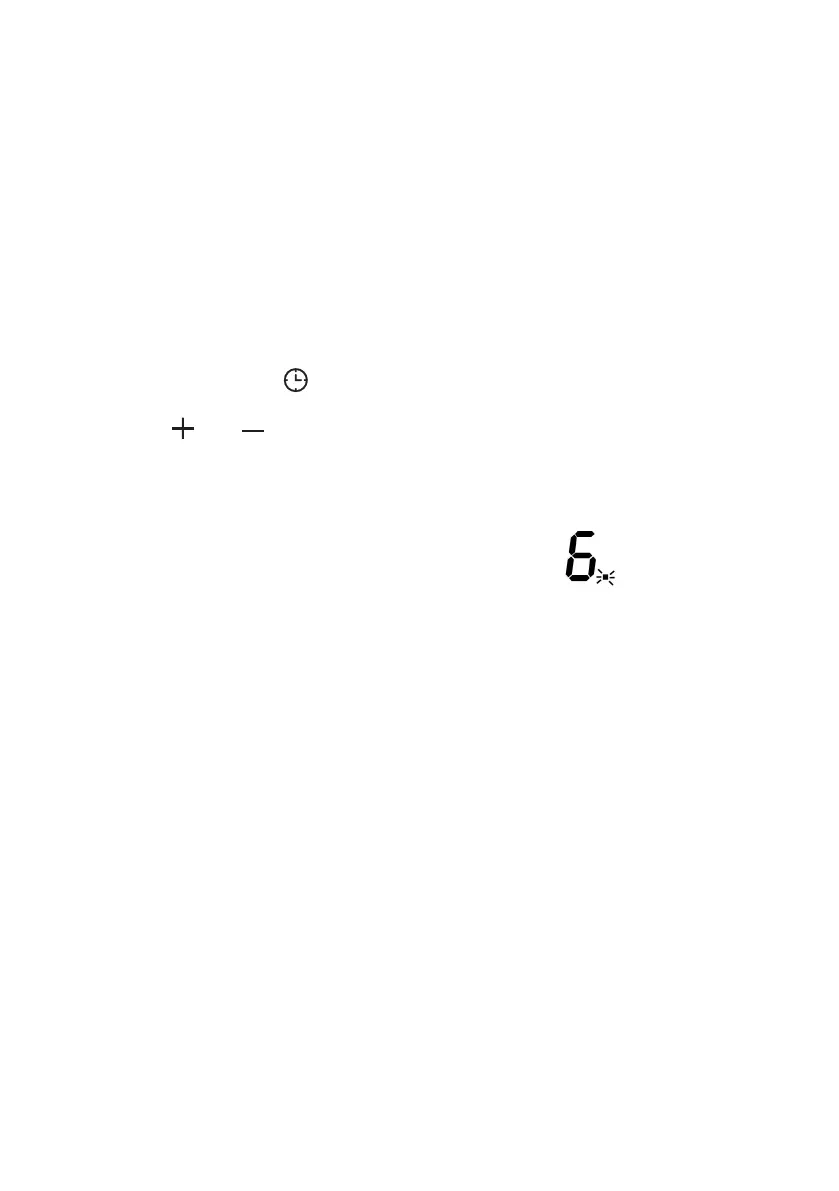
2.Press the timer key(D) ,the timer indicators will show “00”.
3.Using the “ “ or ” ” buttons,you can realize the setting of timing from 0 to 90
minutes.
4.When the time is set,it will begin to count down immediately.The indicator will
return to show power level after 5 seconds.
5.If you need to check the remaining time,you can operate step 1 and step 2
again.
6.When cooking timer expires,the corresponding cooking zone will be switch off
automatically.Other cooking zone will keep operating if they are turned on
previously.
• The timer function only work when cooking is turned on.


 To Next Page