3.
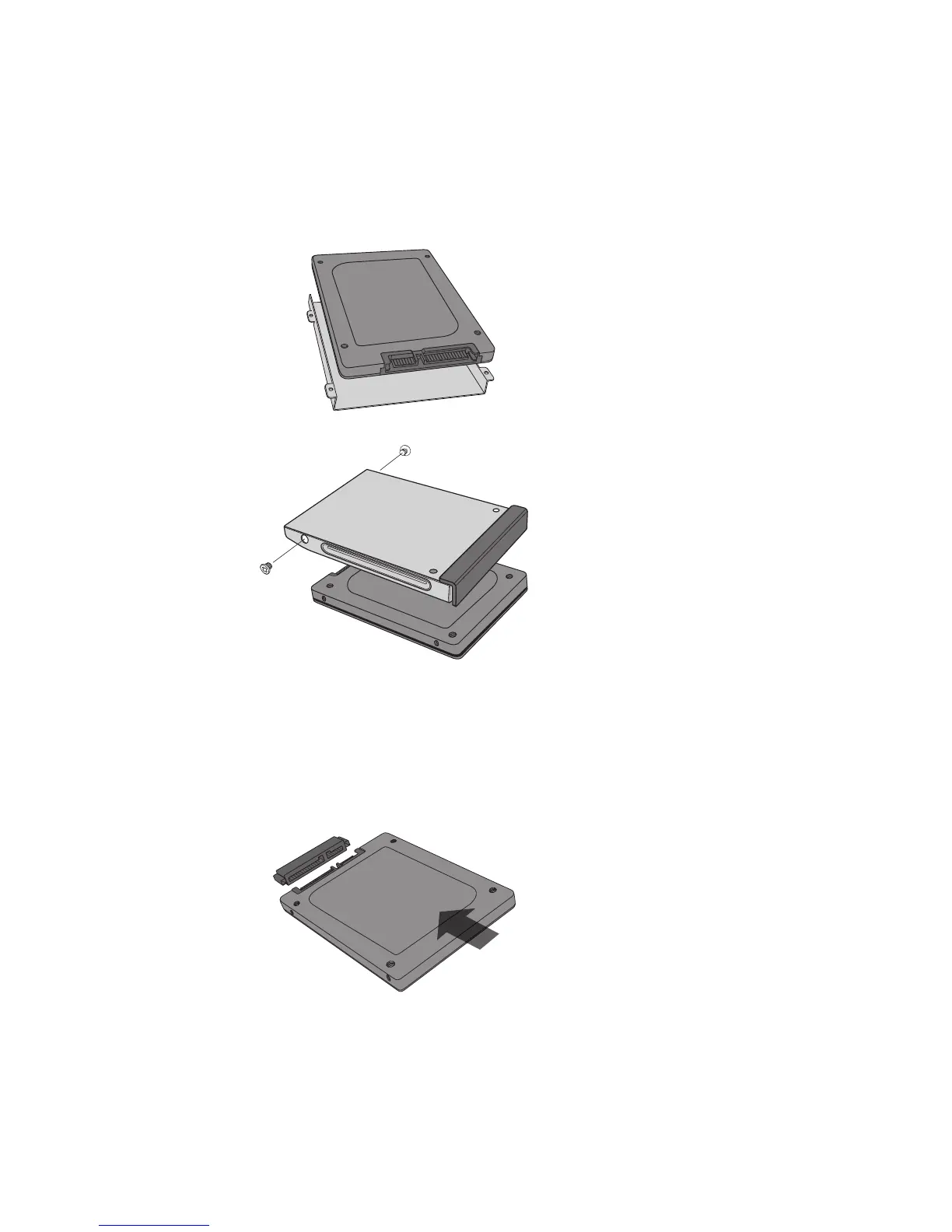
3. If the existing storage device has brackets or adapters,
remove and attach them to the Crucial SSD in the same
manner.
See Figure 2a-b: Various brackets or adapter examples
4. Align the connector pins on the Crucial SSD with the
SATA connector in the storage device bay and slide the
Crucial SSD into the drive bay. Do not force connection.
See Figure 3: Visual of aligning connector pins
3
2b.
2a.
5. Replace the cover and power on the computer.
6. Install the operating system, drivers, utilities, and
applications as needed.
7. Installation is complete.



 To Next Page