Laptop Installation
1. Power off the computer. Remove the laptop battery
then hold the power button down to discharge
electricity.
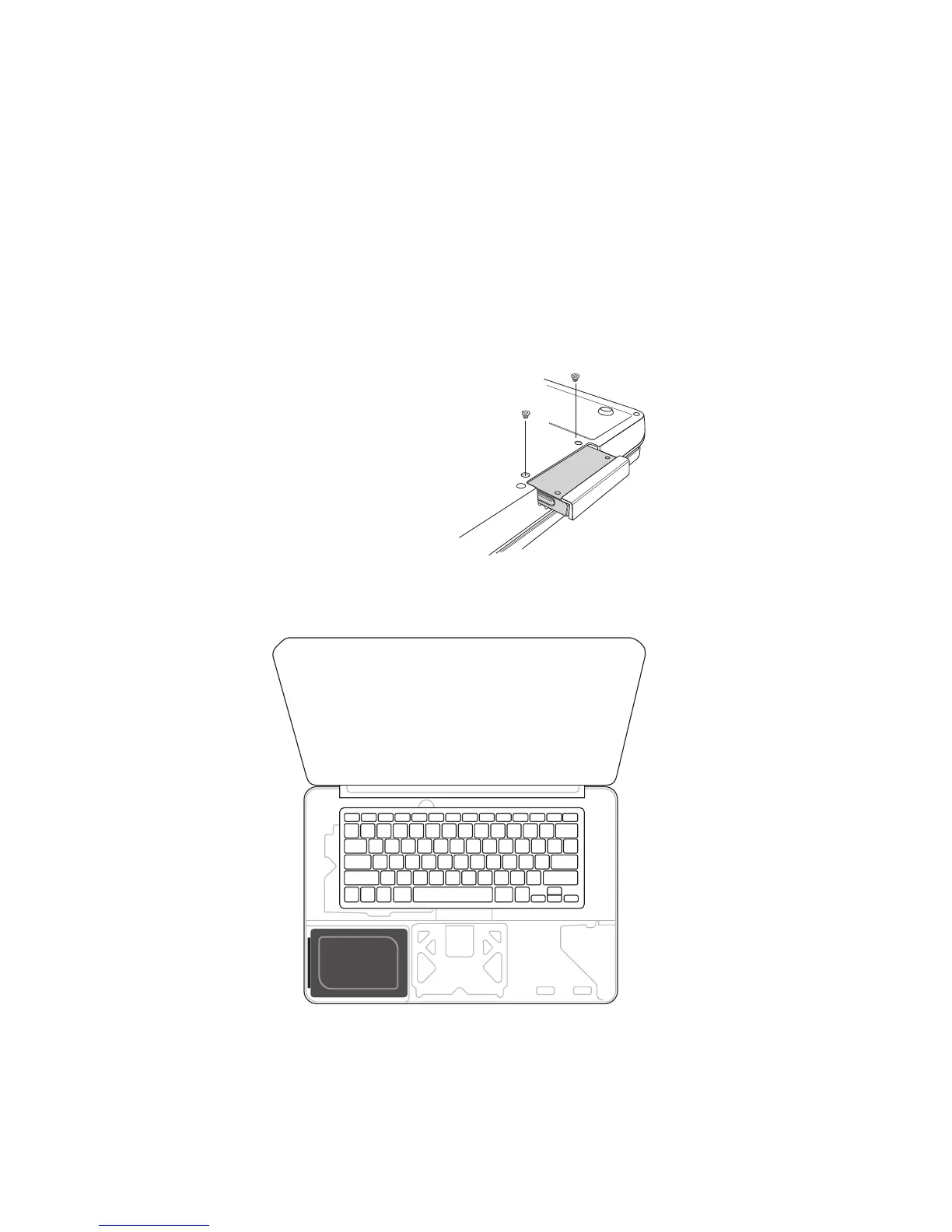
2. Remove the existing storage device from the laptop’s
storage bay. Refer to your computer’s manual for how
to locate and safely remove your existing storage
device.
See Figure 1a-b: Location of SSD on various laptops
1a.
1b.
2



 To Next Page