6.
5
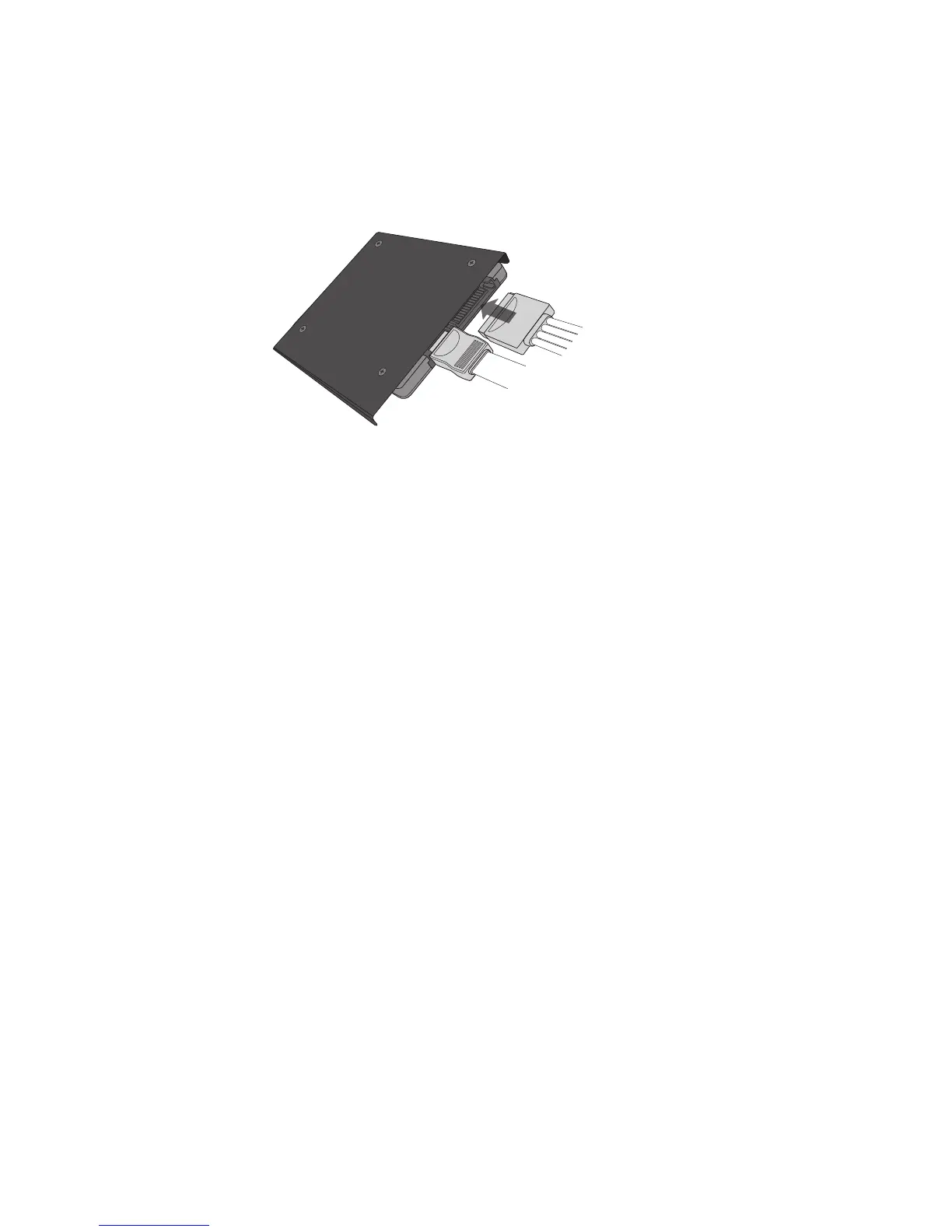
5. Using an available SATA power cable coming from your
power supply, connect the cable to the SSD.
See Figure 6: Connect power cable
6. Mount and secure the SSD in an open drive bay.
7. Power on the computer.
8. Install the operating system, drivers, utilities, and
applications as needed.
9. Installation is complete.



 To Next Page