EasyManua.ls Logo

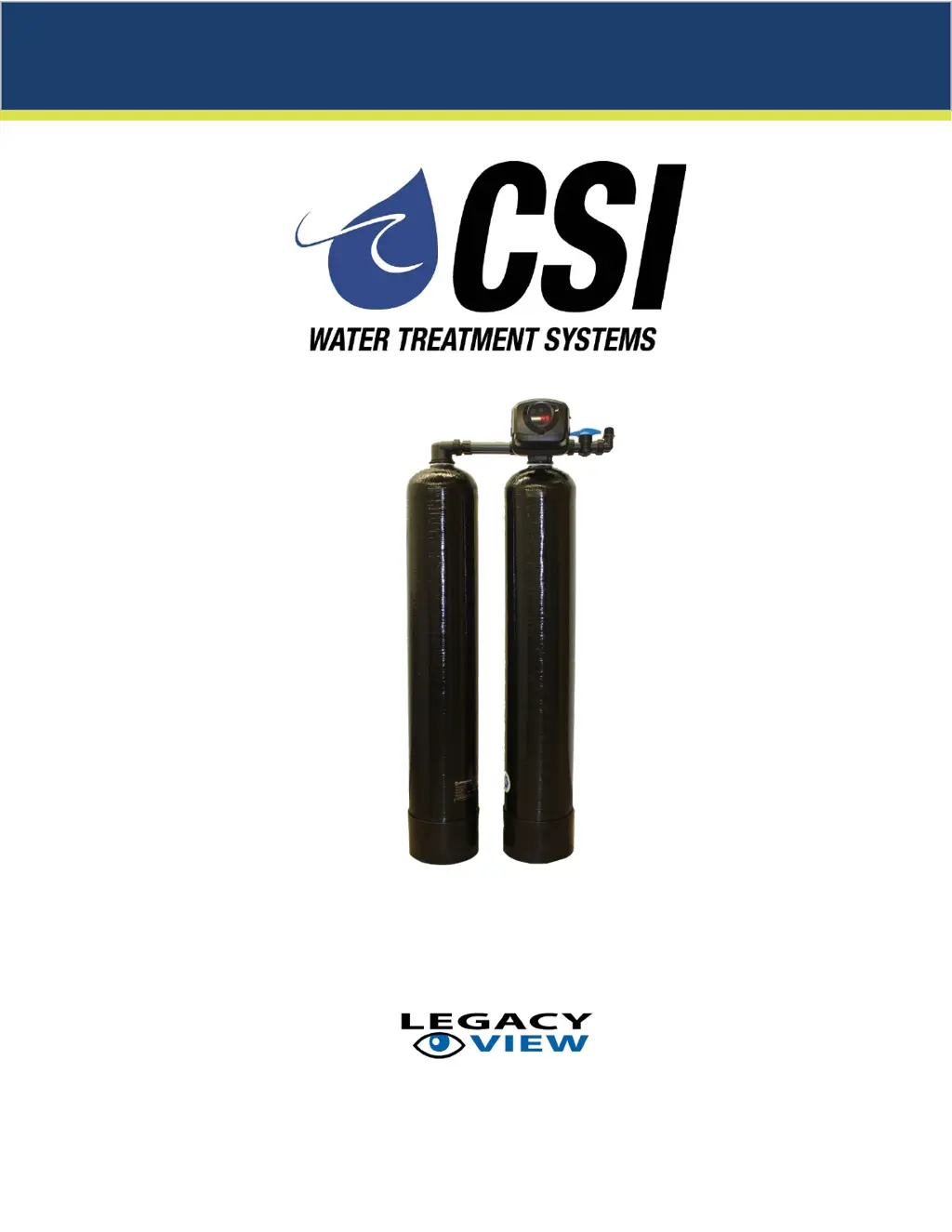
CSI Twin Series - User Manual

Default Icon
24 pages
Print Icon
To Next Page IconTo Next Page
Loading...
Twin Series Softener Manual
with
Installation / Operation Manual

Questions and Answers

Summary

Softener Specifications

General Specifications

Details of various models including capacity, dimensions, and flow rates.

Installation

Installation Procedure

Step-by-step instructions for connecting water supply and setting up the bypass valve.

Drain Line Connection

Details on how to properly connect the drain line for the softener.

Brine Line and Overflow Connection

Instructions for connecting the brine line and overflow to the tank.

Electrical Connection

Instructions for connecting the unit to a power source.

Pressurizing The System

Steps to follow after installation to pressurize the water system.

Programming the Valve

Starting Extra Regeneration Cycle

Manual initiation of immediate or fast-cycle regeneration processes.

Control Start Up Procedure

System Start Up Procedure

Detailed steps for initial system startup and regeneration.

Filling The Brine Tank with Salt

Guidance on selecting and adding the correct type of salt to the brine tank.

Master Programming Mode

Accessing Master Programming

How to enter and exit the master programming mode.

Utilizing Bluetooth Control

Legacy View App Setup and Connection

Instructions for downloading and connecting the Legacy View mobile application.

Start or Advance Regeneration Cycle

Initiating regeneration or advancing to the next cycle step using the app.

Final Set Up

Final Installation Check

Performing a final review of the installation and connections.

Troubleshooting Guide

Error Codes

Control Valve Error Code Diagnosis

Understanding and diagnosing error codes displayed on the control valve.

CSI Twin Series Specifications

General IconGeneral
CategoryWater Dispenser
MaterialPlastic
ColorWhite
CertificationCE
Dimensions300 x 300 x 400 mm

Related product manuals