31
Password Authentication Protocol (PAP) provides a simple method
without encryption for the peer to establish its identity using a 2-way
handshake. Challenge-Handshake Authentication Protocol (CHAP) is
used to periodically verify the identity of the peer using a 3-way
handshake.
3. Click Save to add the new APN.
■ Additional APN Options
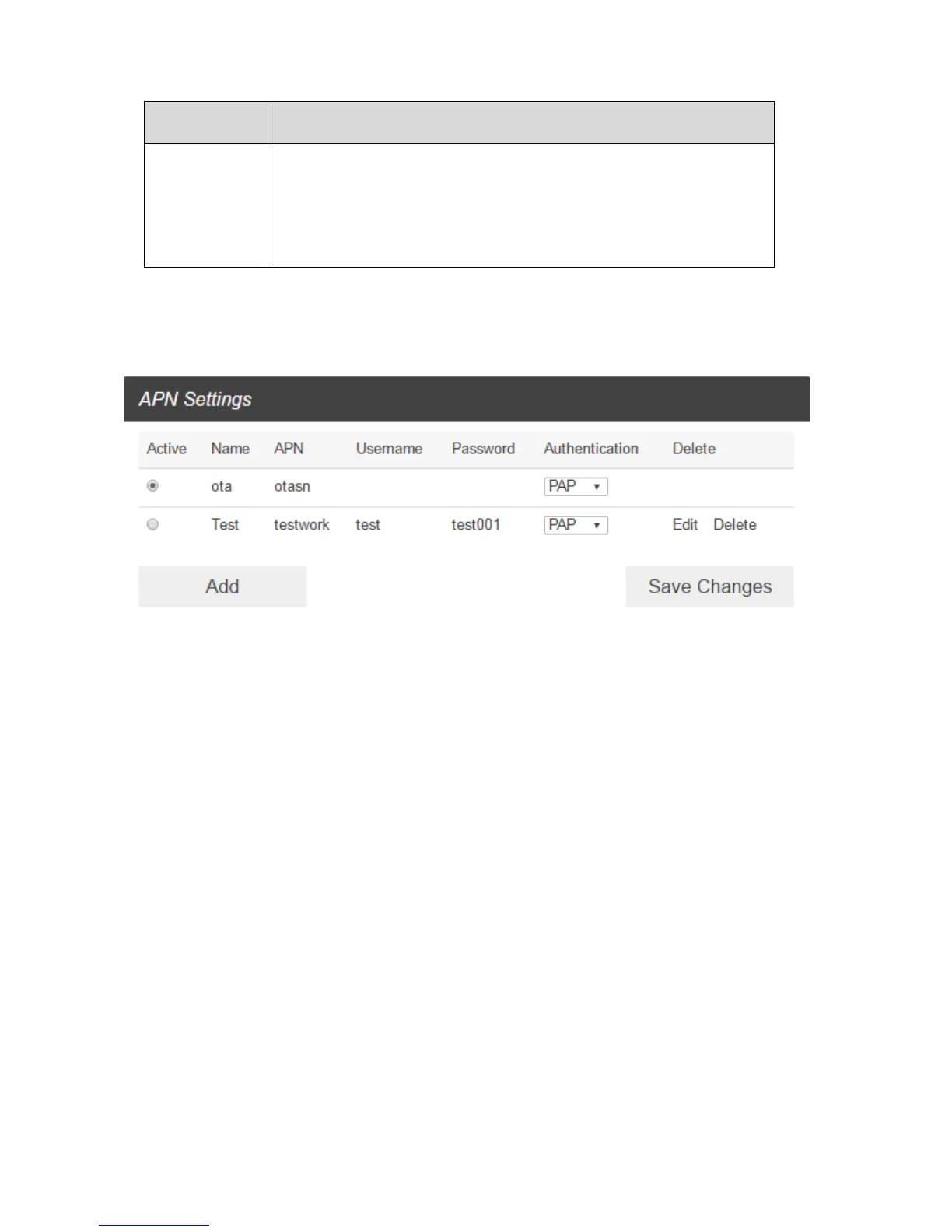
■ To activate the new APN, check the circle in front of it and then click Save Changes.
■ To edit the new APN, click Edit, change the settings, and then click Save.
■ To delete the new APN, click Delete.
Note: The default APN cannot be edited or deleted.



 To Next Page