32
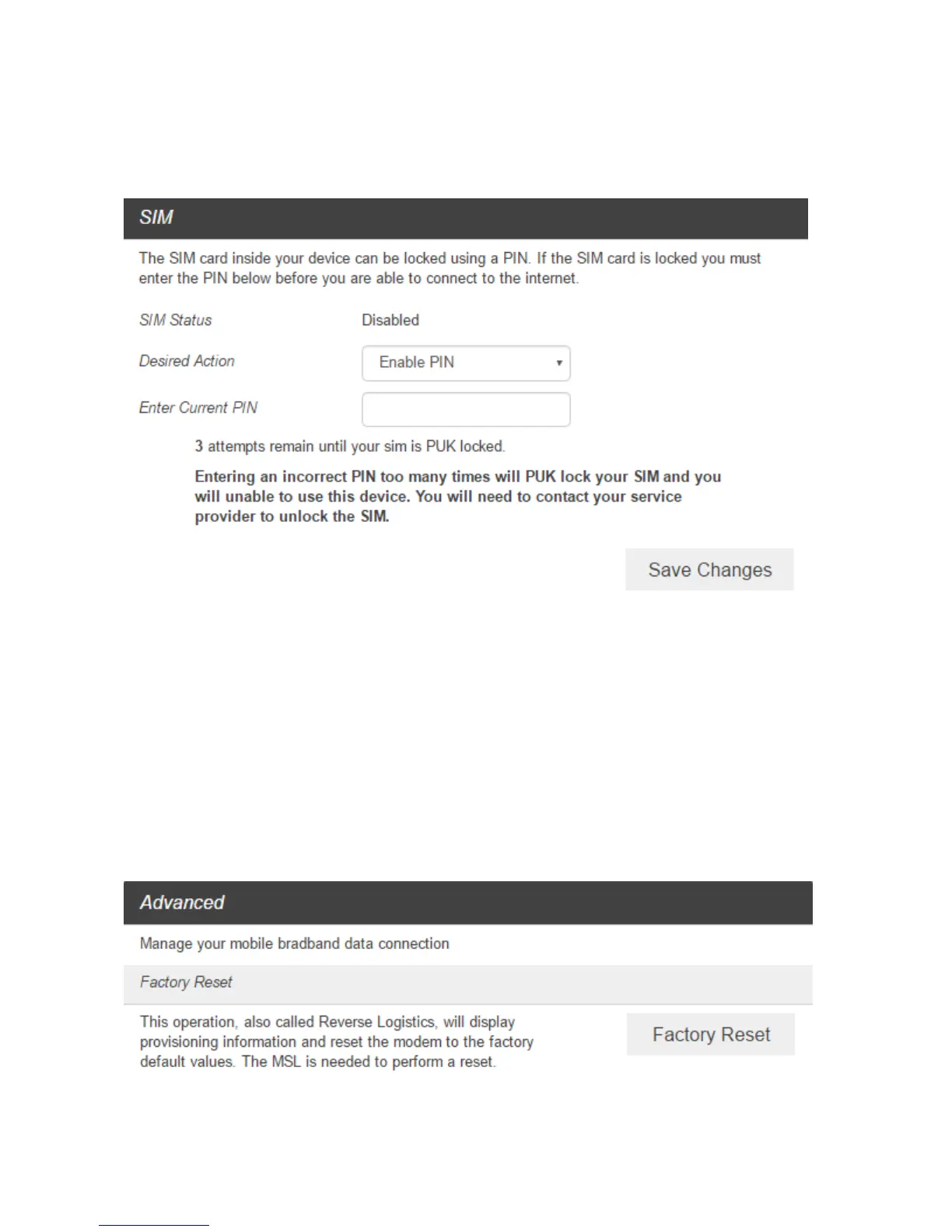
SIM
■ From the Web UI, click Settings > Mobile Network > SIM. The SIM PIN lock is disabled by default.
You can enable it by entering SIM PIN.
■ Enter the SIM PIN and press “Save Changes”. The SIM Status will be changed to Enabled. Once the
SIM PIN Lock is enabled, you need to enter SIM PIN to connect to the mobile broadband network
each time you power on your R871.
Note: If you enter the wrong SIM PIN three times, your SIM will be disabled permanently until you enter
the PUK code from your service provider.
Advanced
■ From the Web UI, click Settings > Mobile Network > Advanced to set the mobile network
advanced settings on this interface.
Factory Reset: Click Factory Reset to reset the modem to the factory default value.



 To Next Page