4
Scan2Web Scanning Modes:
Scan2Web offers three basic scanning modes for collecting information from various
personal documents:
1. ID Cards / Driver's license
2. Passports (Full page or MRZ only).
3. Business cards / Visitors cards.
Switching Scanning Modes:
Switching between scanning modes could be done in various ways:
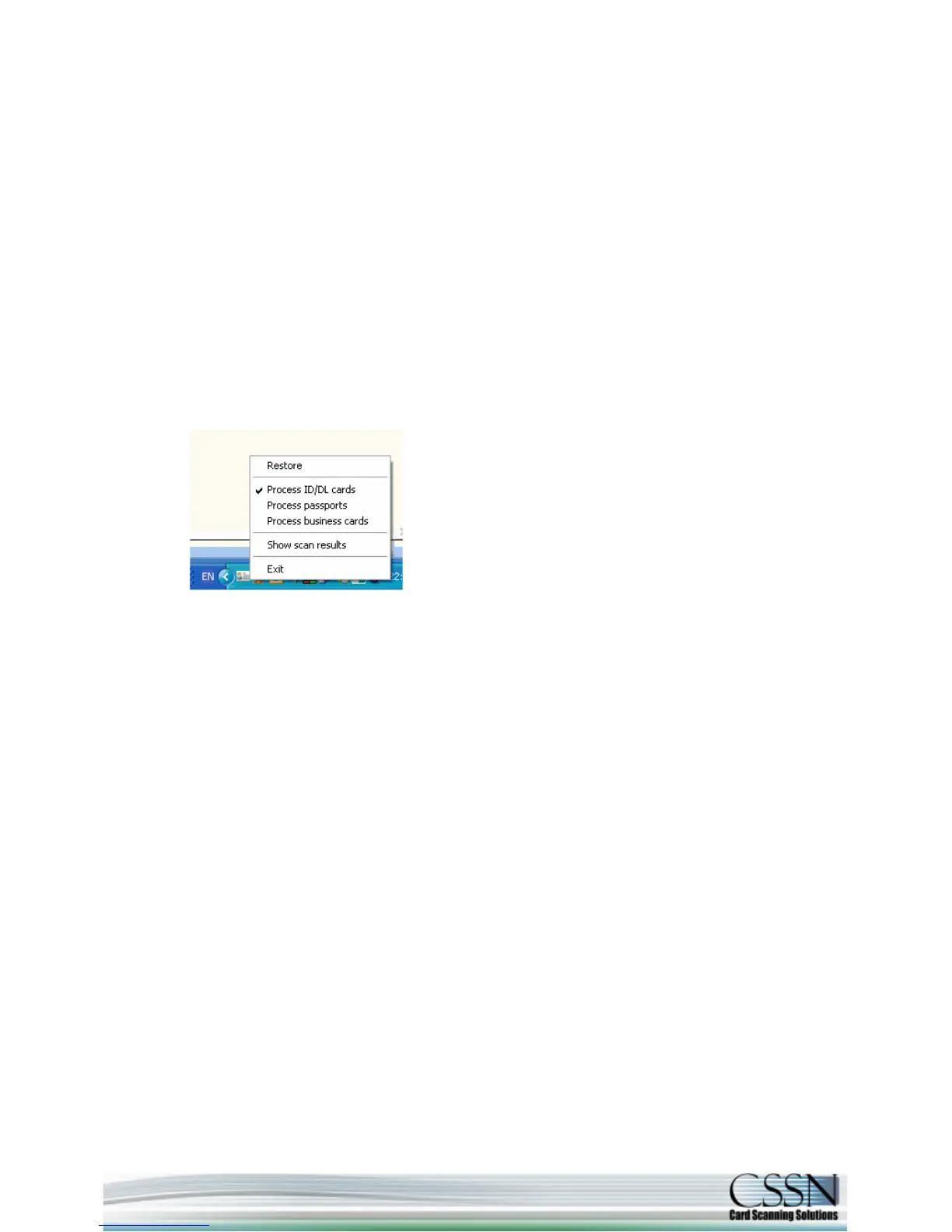
1. Simply by right click with your mouse on the Software icon (in the system tray) and
choosing from the list:
2. On ScanShell 1000 scanners each of the three buttons could be configured to
automatically process a different mode.
3. In ScanShell 800/2000/3000 scanners - continuous click on the scanner's button
switches processing mode.
Show scanning results:
Presents the OCR results in a flying window to allow you to realize to which property each
bit of information from the scanned document goes to. In addition, you could drag and drop
the extracted data into any other open application.
Important note: the Software icon in your system tray will change to indicate the current
scanning mode.



 To Next Page