7
3. Scan2Web will login to your new page, analyze it and will make a list of the required information fields
within your form on the right side of the screen. Now you have to match the information from the scanned
document (the left table) with the fields of your form (the right table) by dragging and dropping the data
name onto the desired fields.
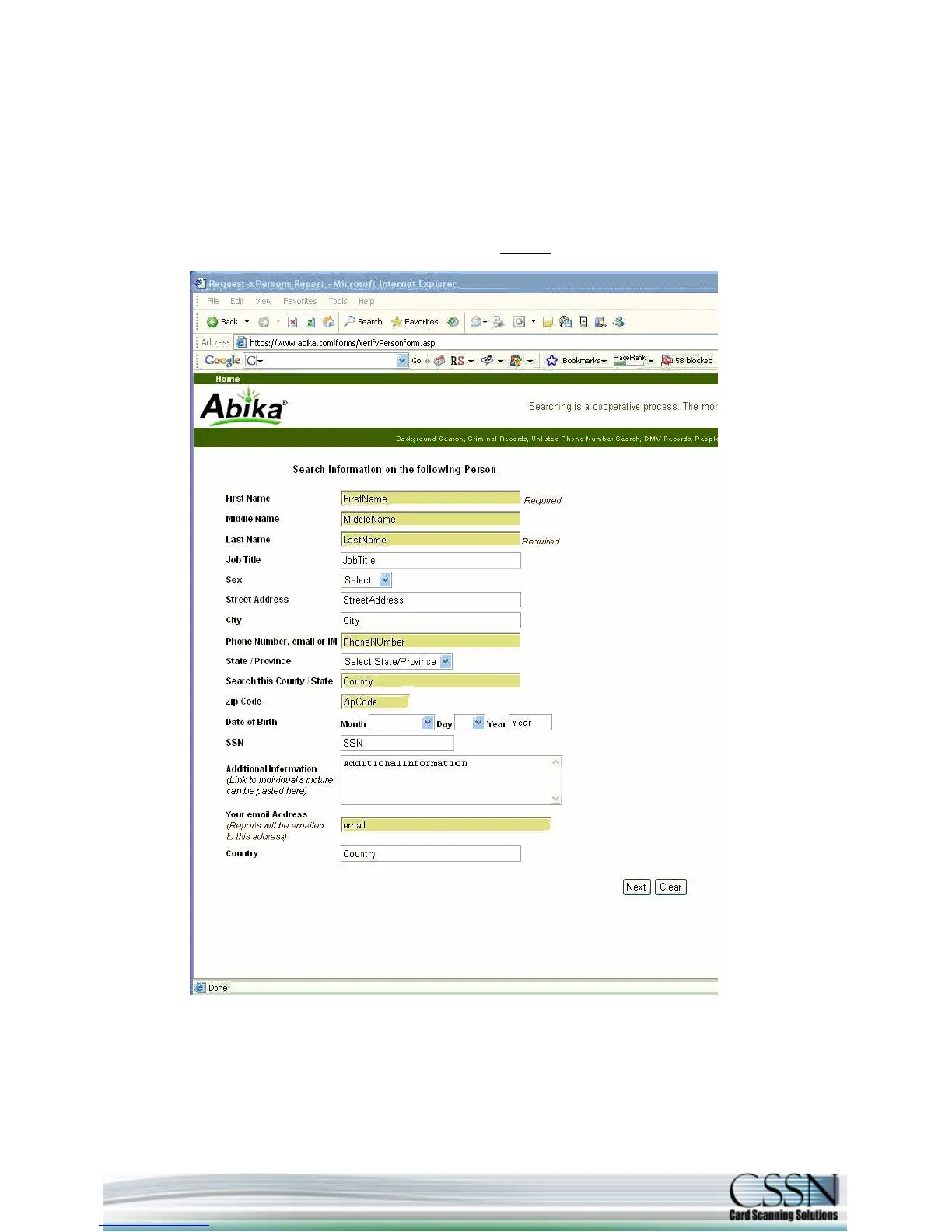
Note: If you are not familiar with the element names of your form's fields (the names that the programmer
put to identify each field) Scan2Web could present these names inside your web form to assist you
identifying the fields (see below). To do that, click on the magnifier
at the bottom of the setting screen.



 To Next Page