www.card-reader.com
Page 7
Connecting the Scanner____________________
The scanner is connected to the computer via the USB port. To connect the scanner, do
the following:
• Place the scanner on a flat, firm, solid surface with easy access.
• Plug the USB interface cable into the USB port of the computer.
•
After the Add new hardware wizard dialog box appears, click Next until you are
asked to set the driver for the reader. You’ll find the ScanShell 800N driver at
http://www.card-reader.com/support_downloads.htm
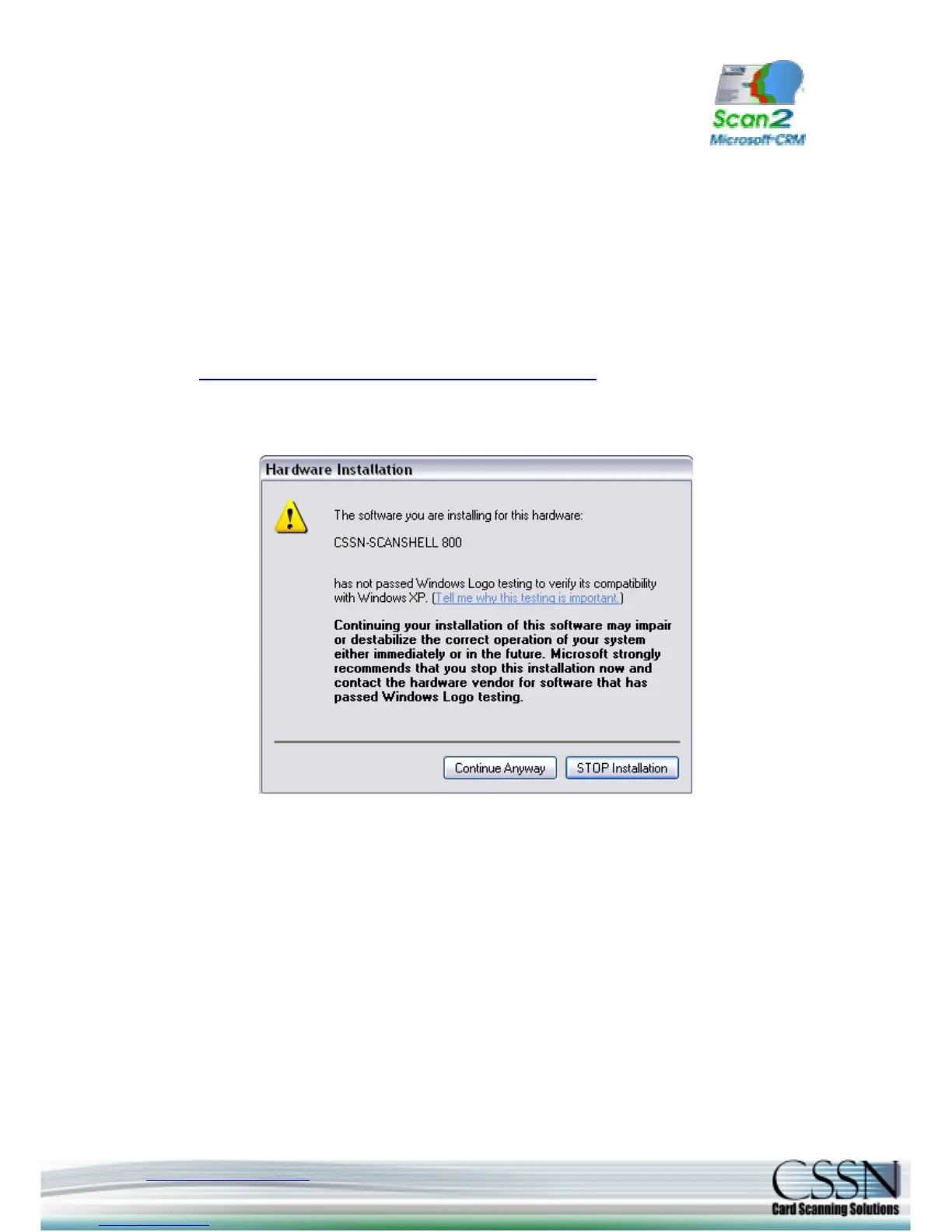
• After you specify the driver, click Next You will be presented with a standard
Windows message:
• Click Continue Anyway. The installation of Scanshell scanner drivers is safe for
you computer and will not affect your system.
• Click Next until the installation is complete.



 To Next Page