23
Connecting to iPhone and iPad
iPhone and iPad connects to VK200 KEYFOB
®
via
Bluetooth HID and a driver is not required.
1. Turn on VK200 KEYFOB
®
by holding the power
button . Blinking Bluetooth icon on the VK200
screen indicates that the device is ready to pair.
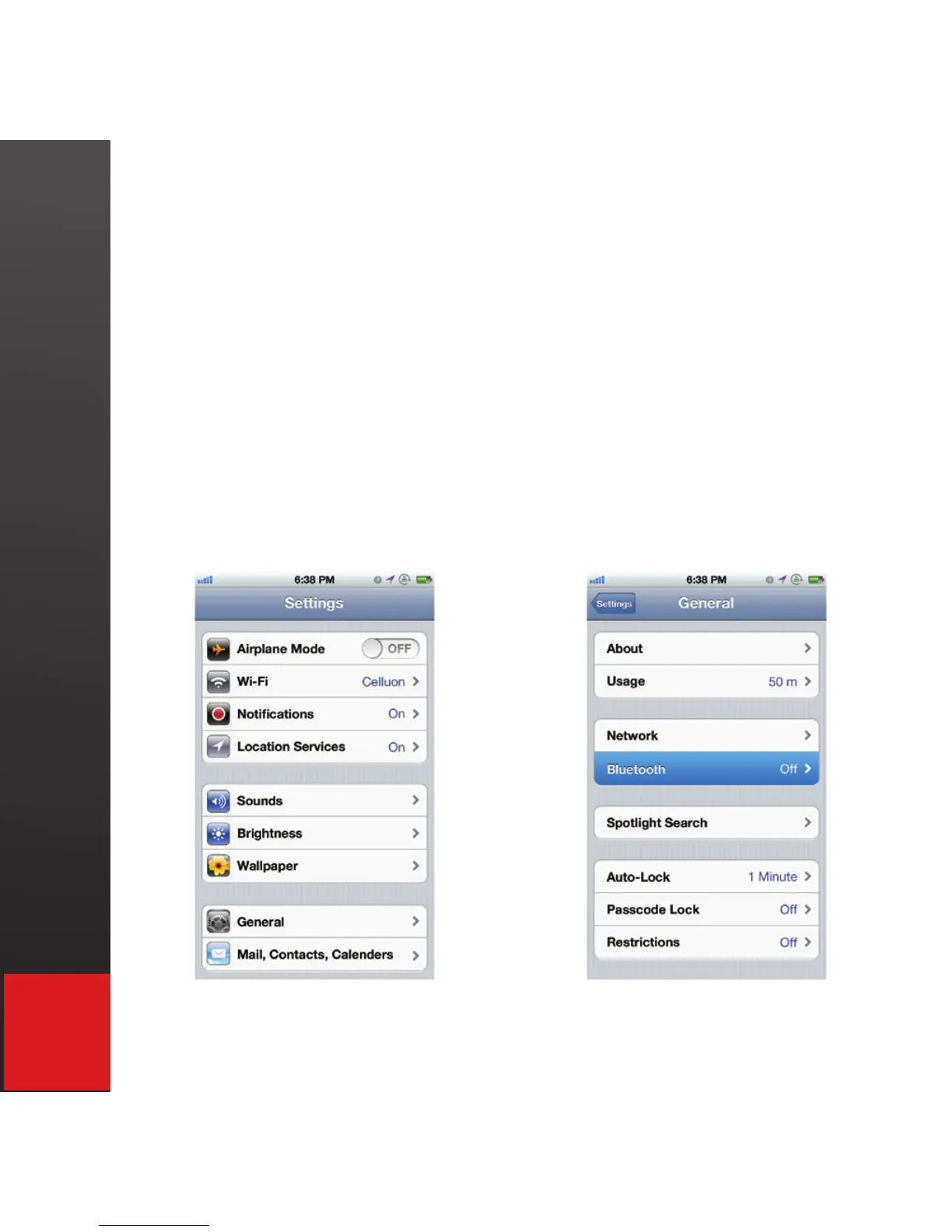
2. On iPhone/iPad, tap on Settings-General-
Bluetooth.


 To Next Page