4
CONNECTING THE MONITOR
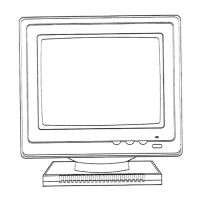
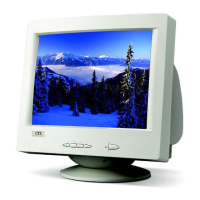
1. Turn off the computer.
2. Connect the monitor's signal cable to the
graphic card.
3. Plug in the monitors power cord.
4. Turn on the computer, and the monitor
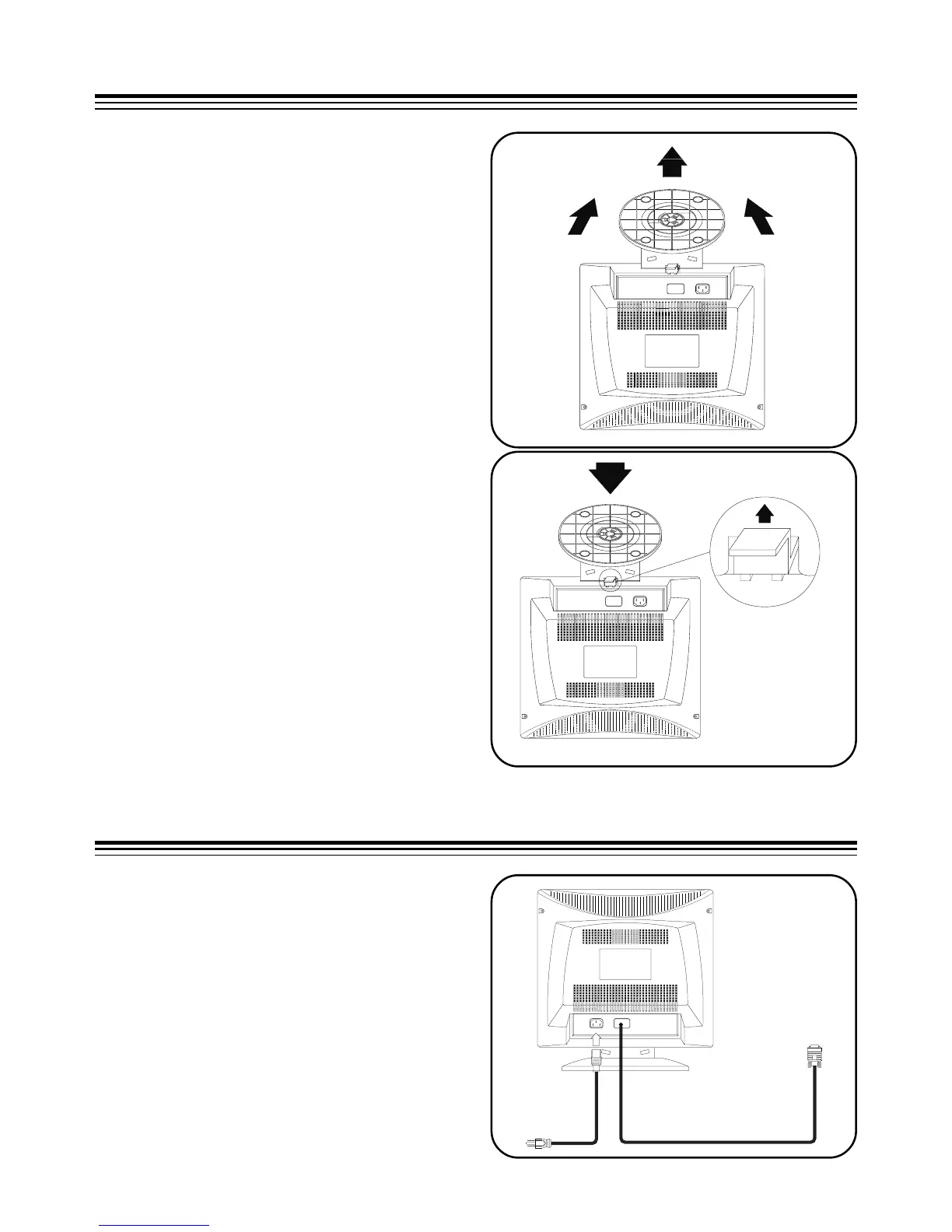
To remove
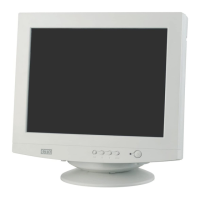
1. Squeeze and pull the latches.
2. Pull the Tilt Swivel Base to the rear of the
monitor and lift to remove the Base.
Turn off the system and unplug all cables
when installing or removing the tilt swivel
base, then carefully set the monitor upside
down.
To install
1. Align the base with the slots in the
bottom of the monitor and insert the Tilt
Swivel Base into the slots.
2. Push the Tilt Swivel Base firmly toward
the front of the monitor until the latches
click into the locked position.
INSTALLING AND REMOVING THE TILT SWIVEL BASE


 To Next Page