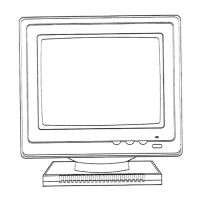
9
Geometry
Color
Picture
Status
Recall
Language
Enter Key
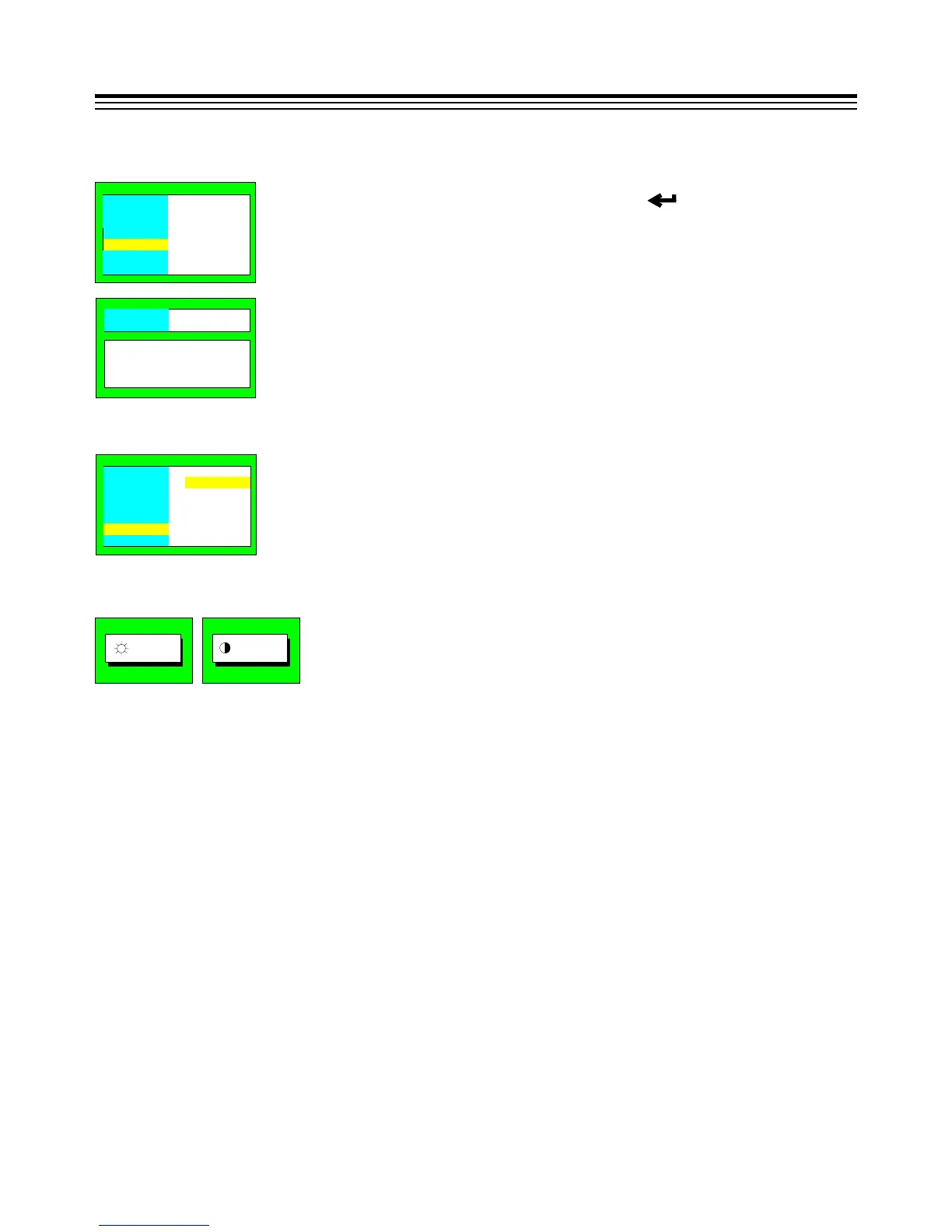
:Recall
E. RECALL:
Picture
Status
Confirm
:Yes
ESC :No
Enter
Geometry
Color
Picture
Status
Recall
Language
Eng li s h
Français
Españo l
Deu ts c h
Ital i a no
F. LANGUAGE:
Confirm the Recall action by pressing the " " or cancel the action
by pressing the "ESC".
Press "▼" or "▲" to select the Language for OSD only.
:50
:100
(2) Contrast/Brightness:
* All adjustments except color adjustment will be automatically saved.
* The menu block will disappear after 20 seconds without any data changing or press "exit"
key directly.
When OSD is off, "▲" or "▼" will be adjust contrast or brightness.


 To Next Page