8800-45001.A
This document contains proprietary and confidential information originated or owned by Cubic. Neither this document nor the
information disclosed herein shall be reproduced or transferred to other documents or used or disclosed to others for
manufacturing or any other purposes except as specifically authorized in writing by Cubic.
3.3.5 Denied – Invalid Card Screen
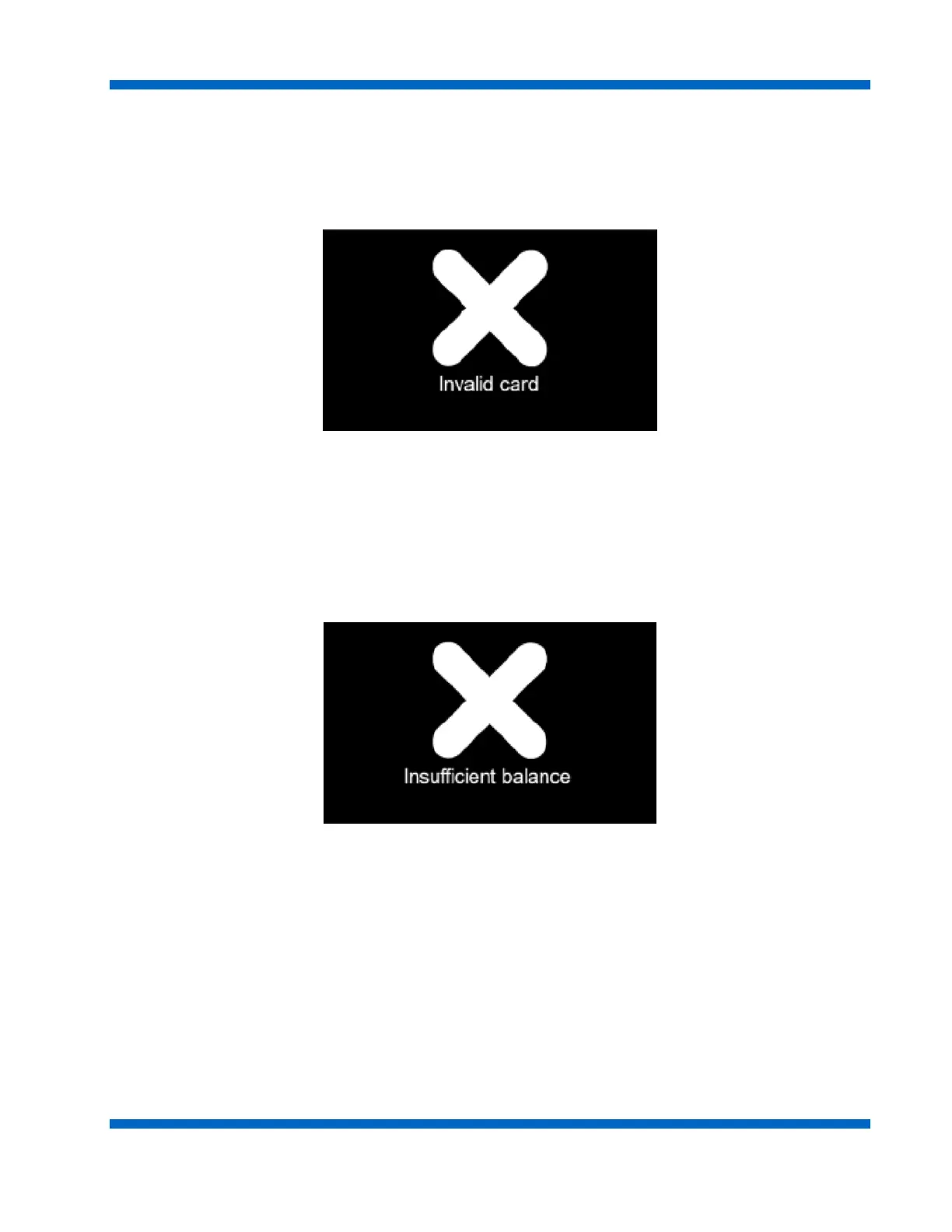
The Invalid Card screen shown in Figure 3-9 displays if the customer uses an agency card that is invalid.
The black screen contains an X, signifying a negative result, and the text message “Invalid card”. A “bad”
tone sounds and the media is denied.
Figure 3-9. Invalid Card Screen Example
3.3.5.1 Insufficient Balance Screen
When fare media is used with insufficient balance to cover the current fare, the Insufficient Balance screen
(Figure 3-10) is displayed to the customer. The Insufficient Fare display includes the fare balance required to
complete the transaction. A “bad” tone sounds and the media is denied.
Figure 3-10. Insufficient Balance Screen Example


 To Next Page