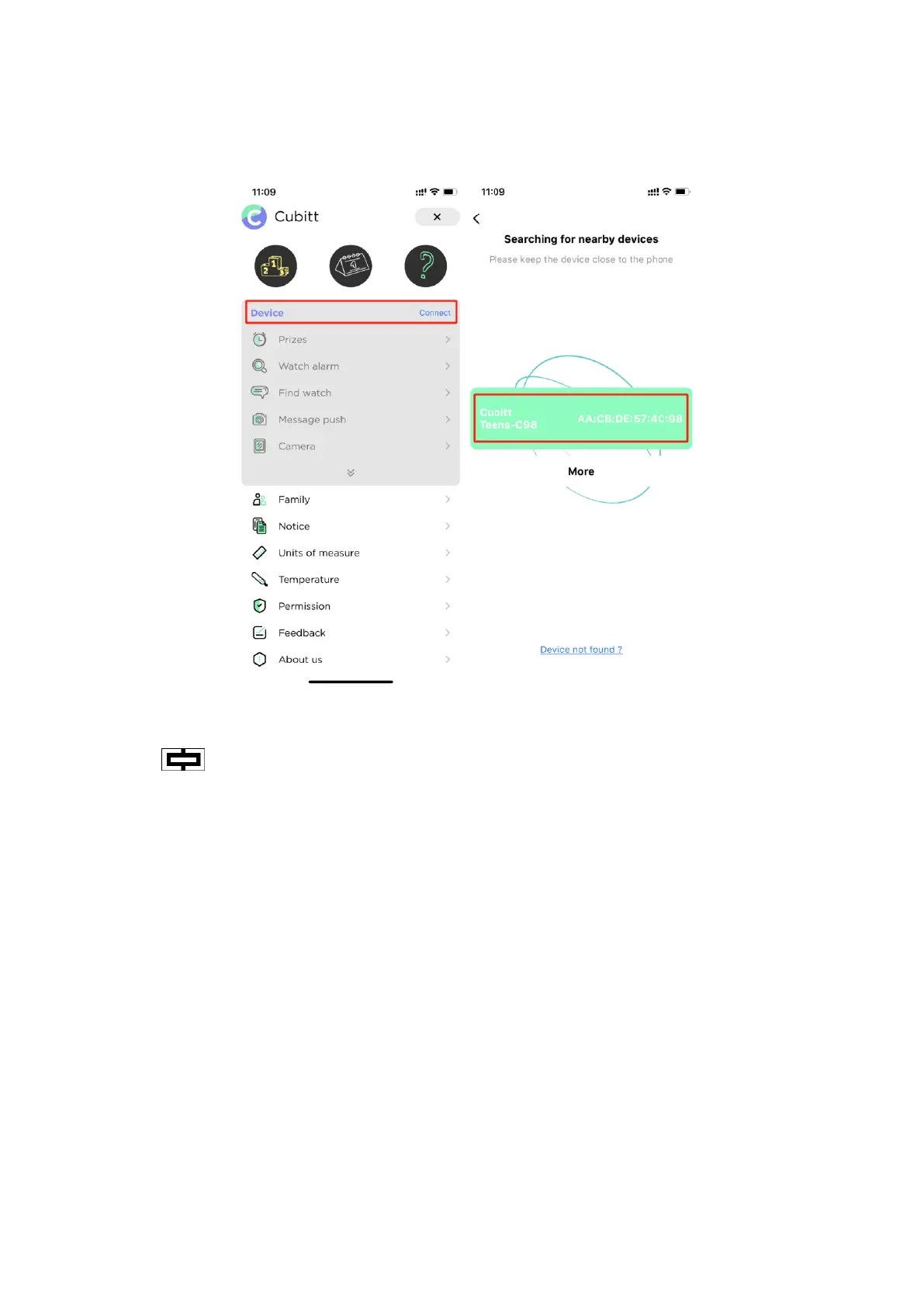
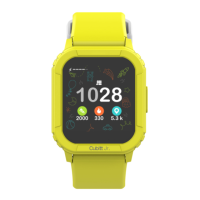
In "Setting" menu on the watch - find "System" - "System version" to
check the watch Bluetooth name.
After connected successfully, shown as the icon in the watch status
bar:
Notice:
* If your phone is iOS system, you need agree to pair with your phone
and display your iPhone notifications. The Bluetooth menu of the
phone interface displays Cubitt Teens connected successfully as
below picture shows.


 To Next Page