23
www.cuckooworld.com
english
hOW TO USE “MULTI COOk”
how to use the multi CooK menu and timer
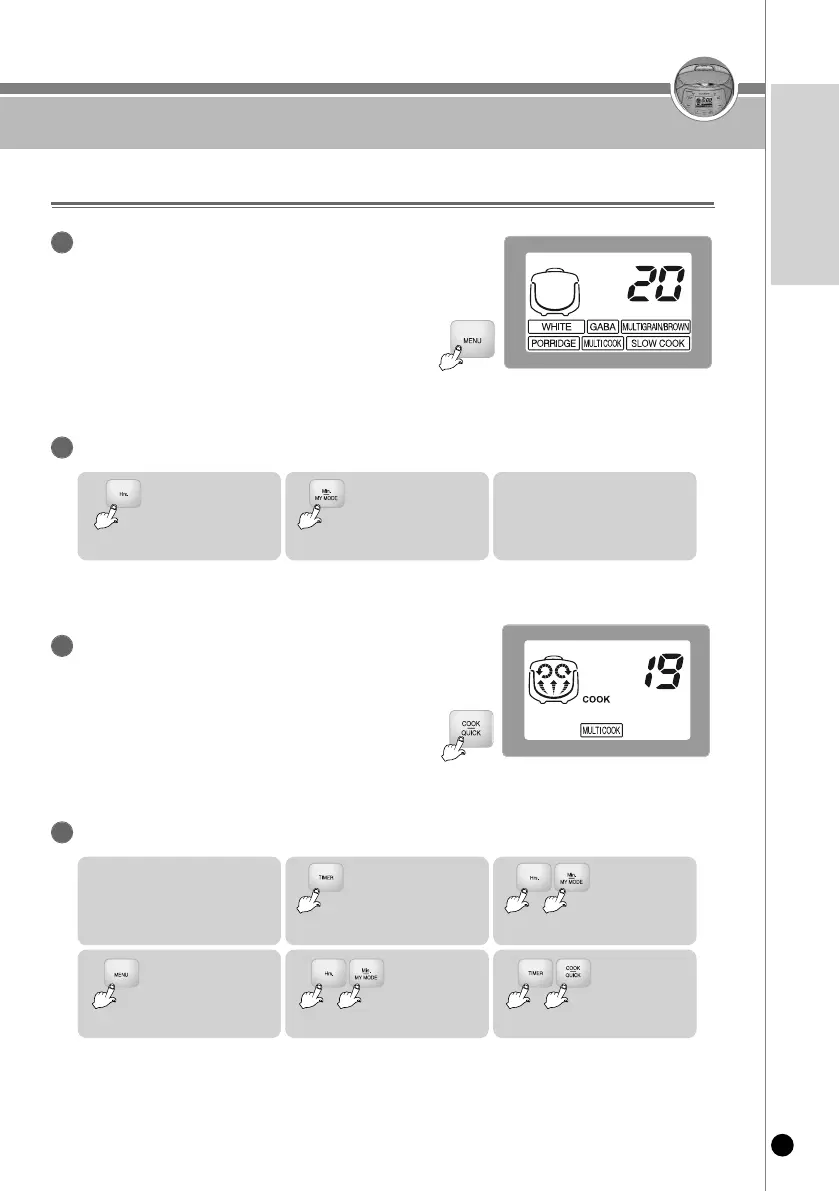
Press the “Menu” button and select Multi Cook menu.
1
▶ If the MULTI COOK menu is selected, the display shows ‘20
min’.
Press the “Hrs” and “Min/My mode” buttons to set the desired time.
2
1.
If you press the “Hrs”
button, the MULTI
COOK time increases
by 5 minutes.
2.
If you press the “Min/My
mode” button, the MULTI
COOK time reduces
by 5 minutes.
3. The MULTI COOK time can
be configured up to 10 ~ 60
minutes.
Press the “Cook/Quick” button to start the
Multi Cook menu.
3
▶ If the MULTI COOK function starts, the cooking
status is marked and the remaining time is
shown on the display.
How to preset the MULTI COOK function
4
1. Check if the current time is
correct.
2.
Press the “Timer”
button.
3.
Set the Preset
time by pressing
the “Hr/Min”
buttons.
4.
Press the “Menu”
button to select the
Multi Cook menu.
5.
Press the
“Hr/Min” buttons
to set the MULTI
COOK time.
6.
Press the “Timer
button” or the
“Cook/Quick”
button.
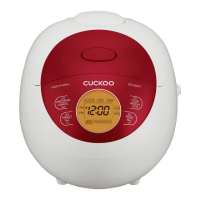
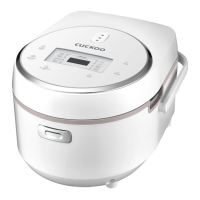
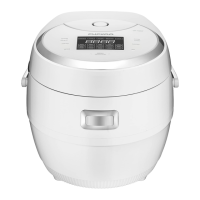
• For CR-0631F model, Cook/Turbo button is applied



 To Next Page