4
Driver Installation
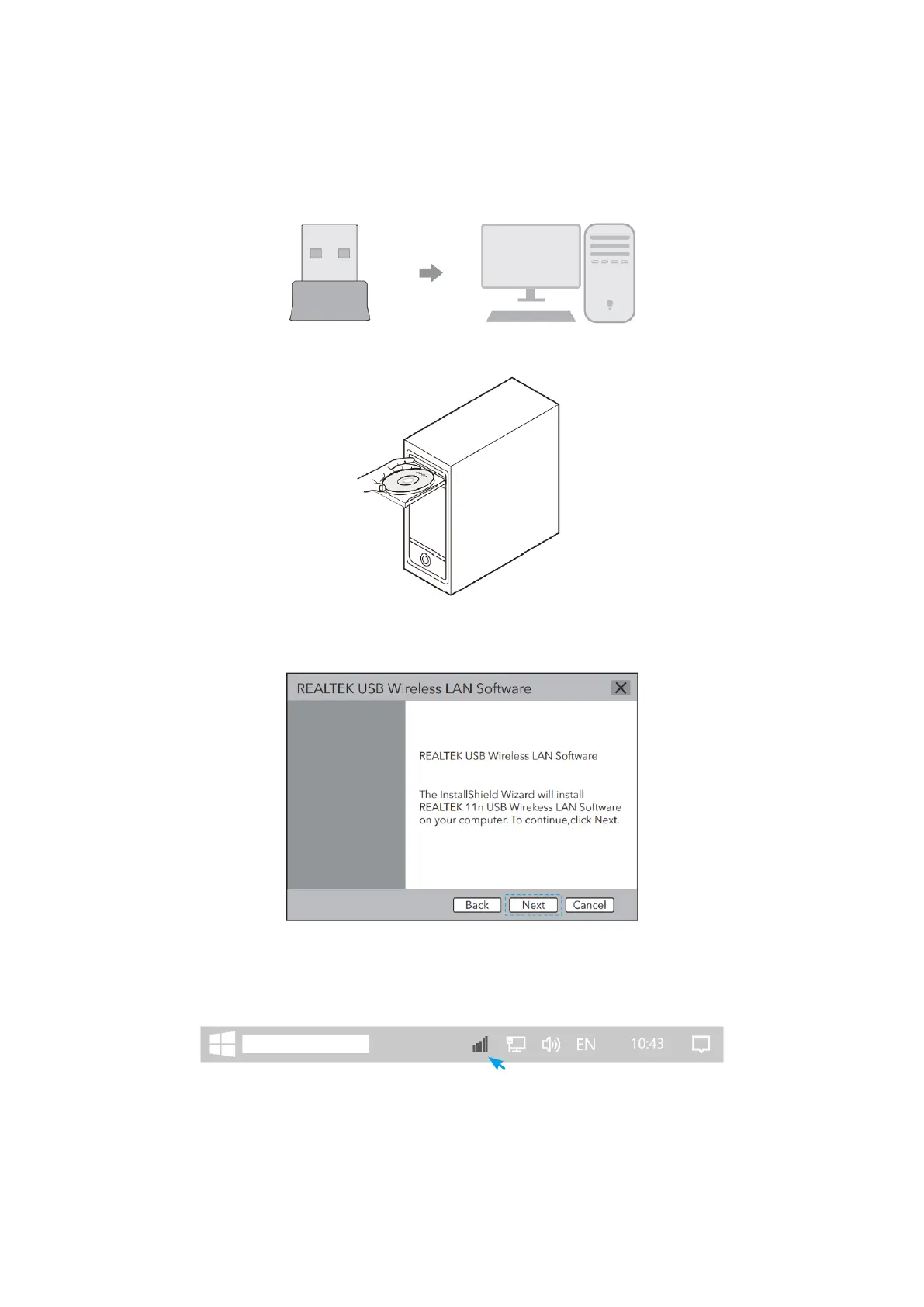
1. Please insert the USB adapter directly into the computers USB port.
2. Put the CD into the computer drive.
3. Open the driver folder and double click the installation file “Setup.exe”. Click
“Next” to finish the installation.
4. After finishing the installation, in the lower right corner of the taskbar, REALTEK
Client Management Software icon appears, indicating the installation was
successful.


 To Next Page