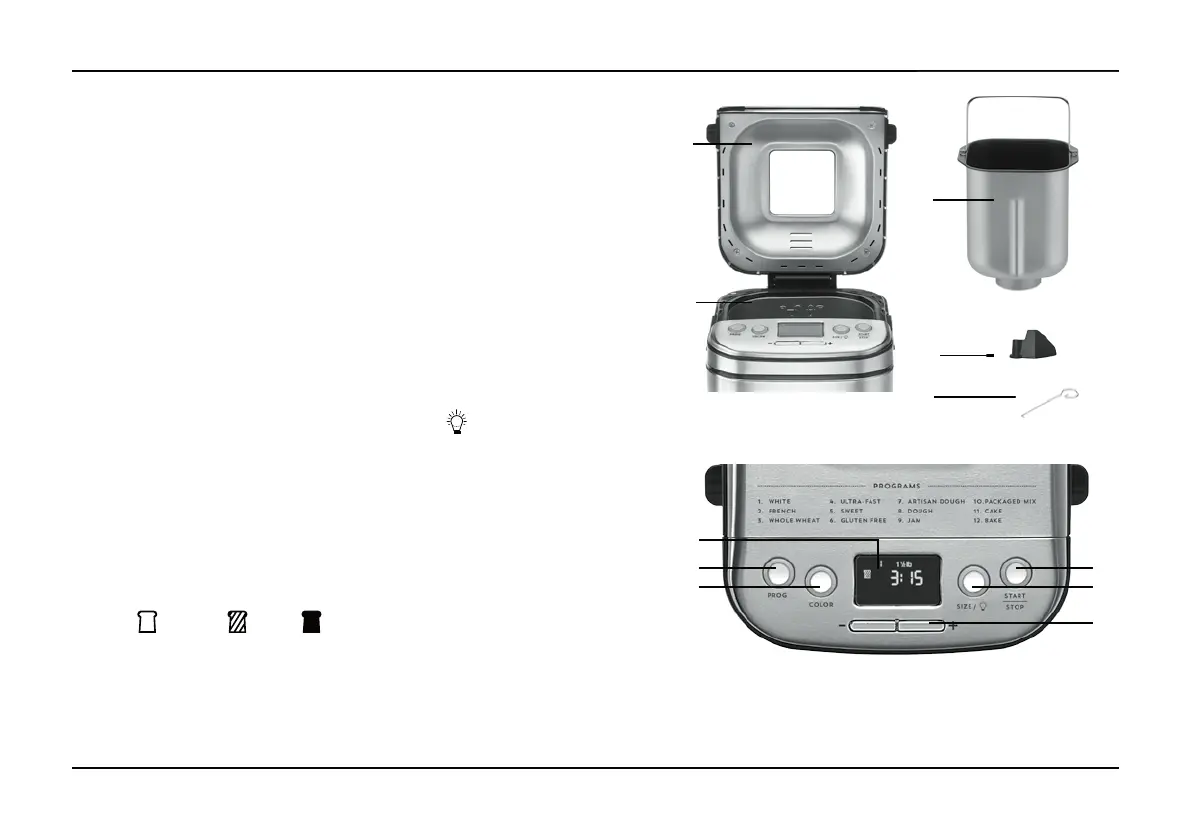
CONTROL PANEL
A. LCD Display – Displays program,
crust color and loaf size selections.
Also view cycle and delay
start timing.
B. PROG Button – Selects program; refer
to the program list above display panel
for options.
C. COLOR Button – Selects a light,
medium or dark crust.
Light: Medium: Dark:
D. SIZE / –
a. Select a 1-lb., 1½-lb.
or 2-lb. loaf.
b. Enables internal chamber light.
E. START/STOP Button – Starts and
stops the bread-making process. Also
controls Pause function.
F.
–
/
+
Buttons – Adjust time for bake
program and delay start timer.
4
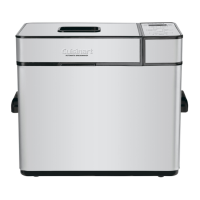
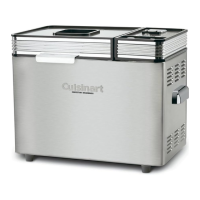
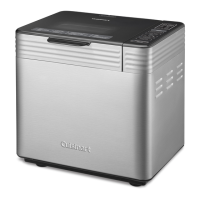
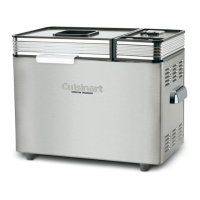
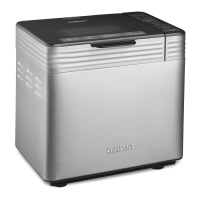
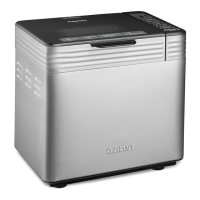
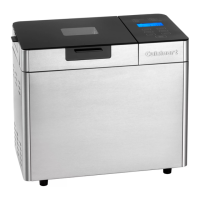
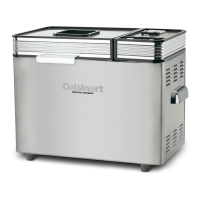
PARTS AND FEATURES
1. Lid
With viewing window
2. Control panel with LCD display
See details on next page
3. Baking chamber
a. Removable bread pan with
handle
Vertical loaf, nonstick coating
b. Kneading paddle
Removable, nonstick paddle
c. Heating element (not shown)
4. Power cord (not shown)
5. Pan hook
Helpful tool for lifting bread
pan handle
1
2
3a
3b
5
B
C
A
D
E
F
NOTE: Some program selections are limited to certain crust colors and loaf sizes.
The LCD will display accordingly. Please see Programs and Timing on page 9 for
all available combinations.



 To Next Page