14
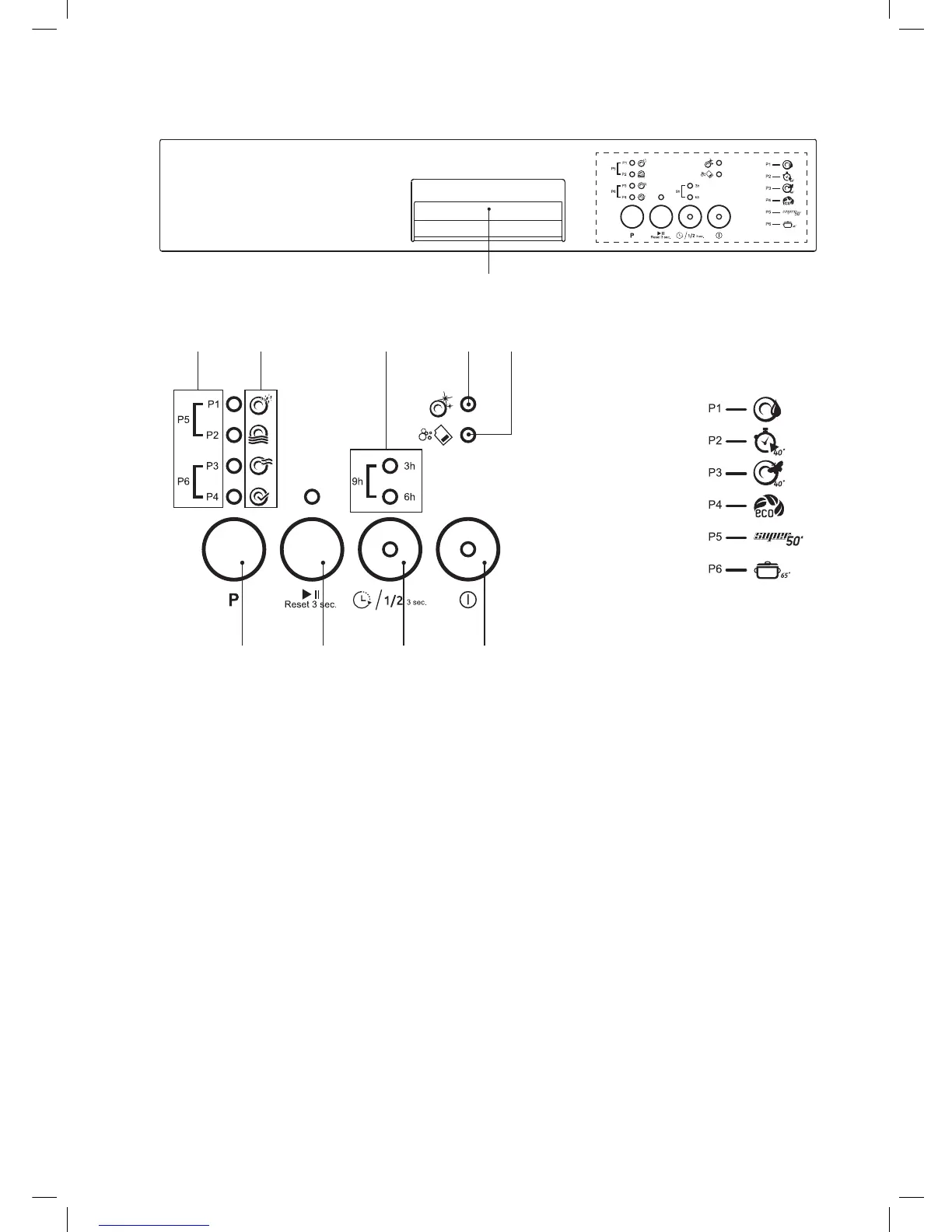
1. Program Settings Indicator
• The LED indicates which program you are
selecting when pressing the P button.
2. Wash Cycle Status Indicator
• The LED indicates the progress of the wash
cycle.
Filling - Heating & Washing - Rinsing -
Drying/Finished.
3. Delay Timer Indicator
• Shows if a delay timer is set for 3, 6 or 9
hours.
4. Rinse Aid Indicator
• Shows if rinse aid needs adding.
5. Salt Indicator
• Shows if salt needs adding.
Control Panel
6. Program Button
• Press to select one of the 6 wash programs.
7. Start/Pause and Reset Button
• Press to start or pause the wash cycle.
• Press and hold for 3 seconds to reset the
wash cycle.
8. Timer Delay/ Half Load Button
• Press to select a timer delay of 3, 6 or 9
hours.
• Press and hold for 3 seconds to select half
load.
9. ON/OFF Button
• Press to turn the dishwasher power on and
off.
10. Door Handle
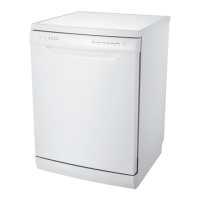
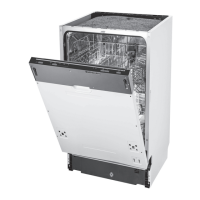
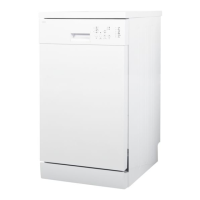
* All images are for indication only; please refer to your individual unit for actual item.
CDW45W18
9876
54321
10
Currys Essentials Freestanding Dishwasher CDW45W18 Manual.indd 14 28/03/2018 16:10


 To Next Page