Installation
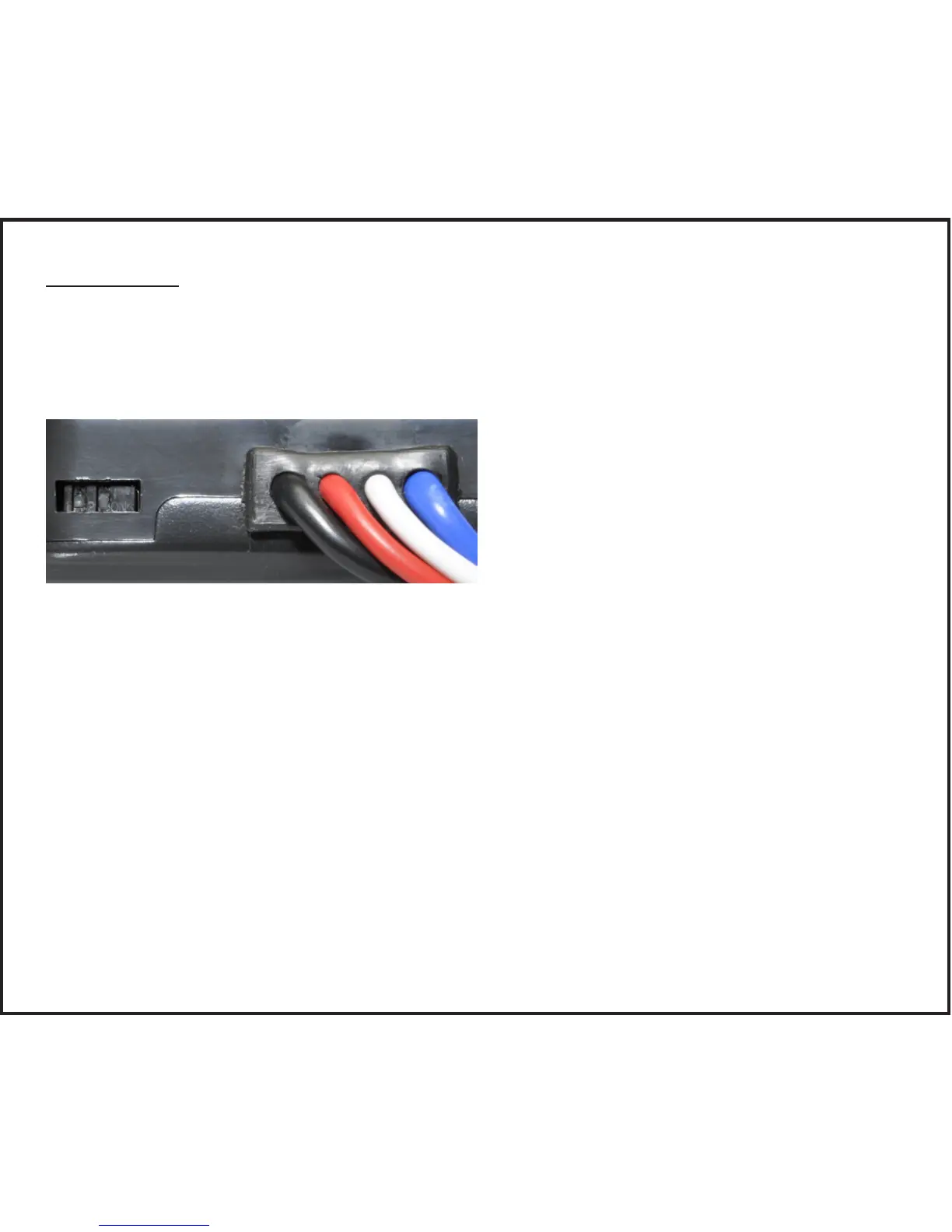
Set Manual Control Output and Brake Light Switches
There are two small switches located at the rear of the unit that can be ac-
cessed by removing the rectangular cover. Once accessed, the switch positions
can be changed using a small pointed tool.
In the illustration above the switch on the right controls the level of output avail-
able to the trailer brakes when using the manual control. The factory default
setting is the "ON" position with the switch down. This setting limits the manual
control output to the level set using the output control thumbwheel. Moving this
switch up to the "OFF" position allows 100% of the output to the brakes when
the manual control is actuated regardless of the output control setting.
In the illustration above the switch on the left controls the unit’s brake light ac-
tivation feature. The factory default setting is the "ON" position with the switch
down. This setting activates the tow vehicle and trailer brake lights when the
manual control is actuated. Moving the switch up to the "OFF" position turns off
the brake light activation feature and the brake lights are not activated when the
manual control is actuated.


 To Next Page