12
FUNCTION BUTTONS
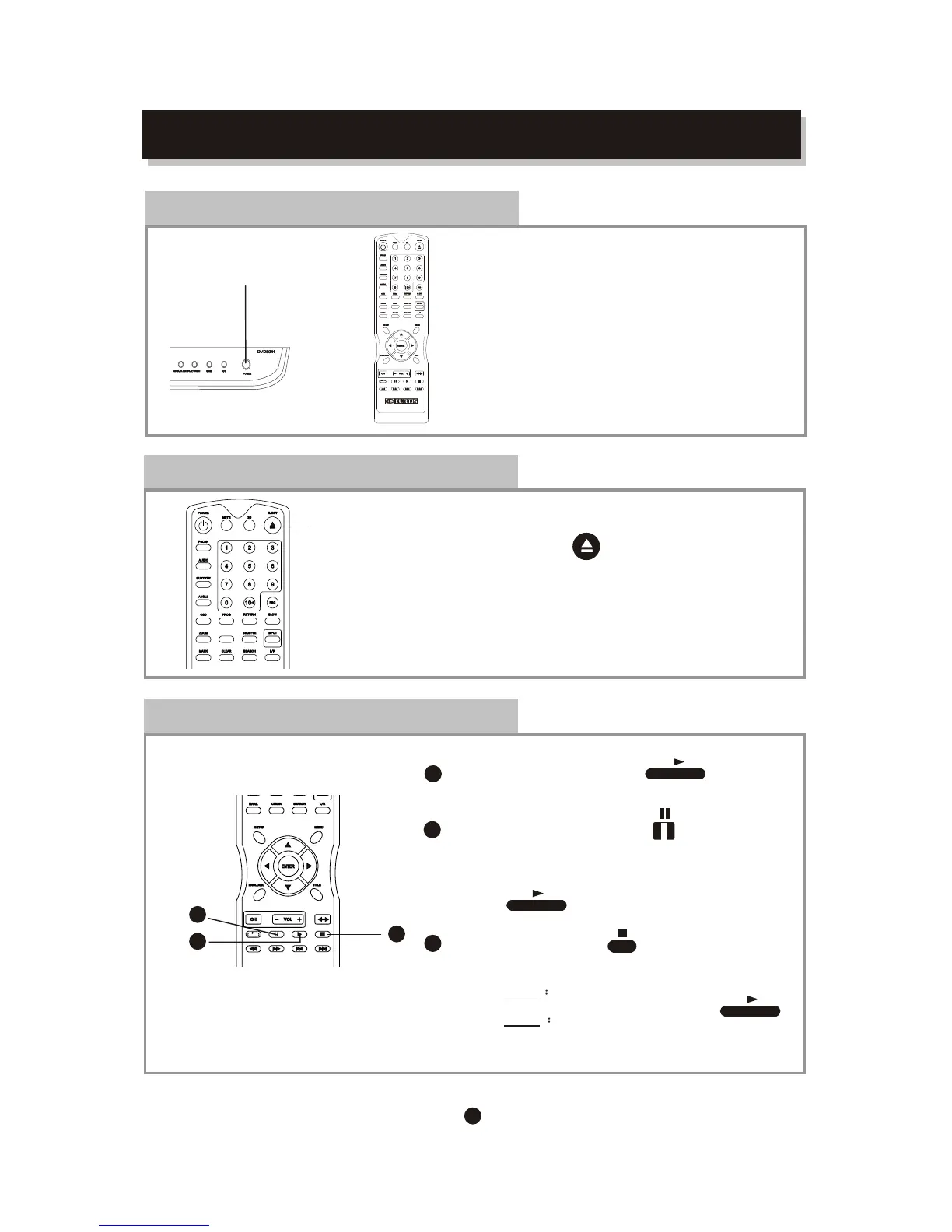
Play / Pause/ Stop
Press PLAY button
To play the Disc
Then Press PAUSE button
to pause.
Press to resume normal playback.
Press STOP button
to stop in two modes:
a) Press Once
b) Press Twice
1
2
3
STOP memorizes the interrupt position.
( May resume with Play button )
To stop completely
(Will NOT resume with Play button)
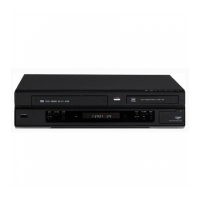
Open /Close disctray
To open and close The disc tray:
Press EJECT button on the remote
Power ON / OFF
To switch the player Between power on and off mode:
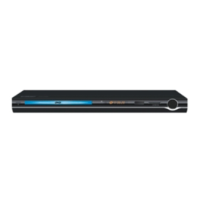
Press POWER button on front panel
or POWER button on the remote
(Always switch off the player after use)
POWER ON /OFF
3
1
2
EJECT
STEPSTEP


 To Next Page