13
Quick Starting Guide
SYSTEM CONNECTION
Use audio cable (Red / White), video cable (Yellow) to connect from player to TV set
and amplifier.
CONNECT THE PLAYER TO TV SET BY AUDIO / AV CABLE
Use audio cable (Red / White), video cable (Yellow) to connect the player and TV set.
CONNECT OTHER MEDIA TO THE PLAYER
Use audio cable (Red / White), video cable (Yellow) to connect from other media to
player.
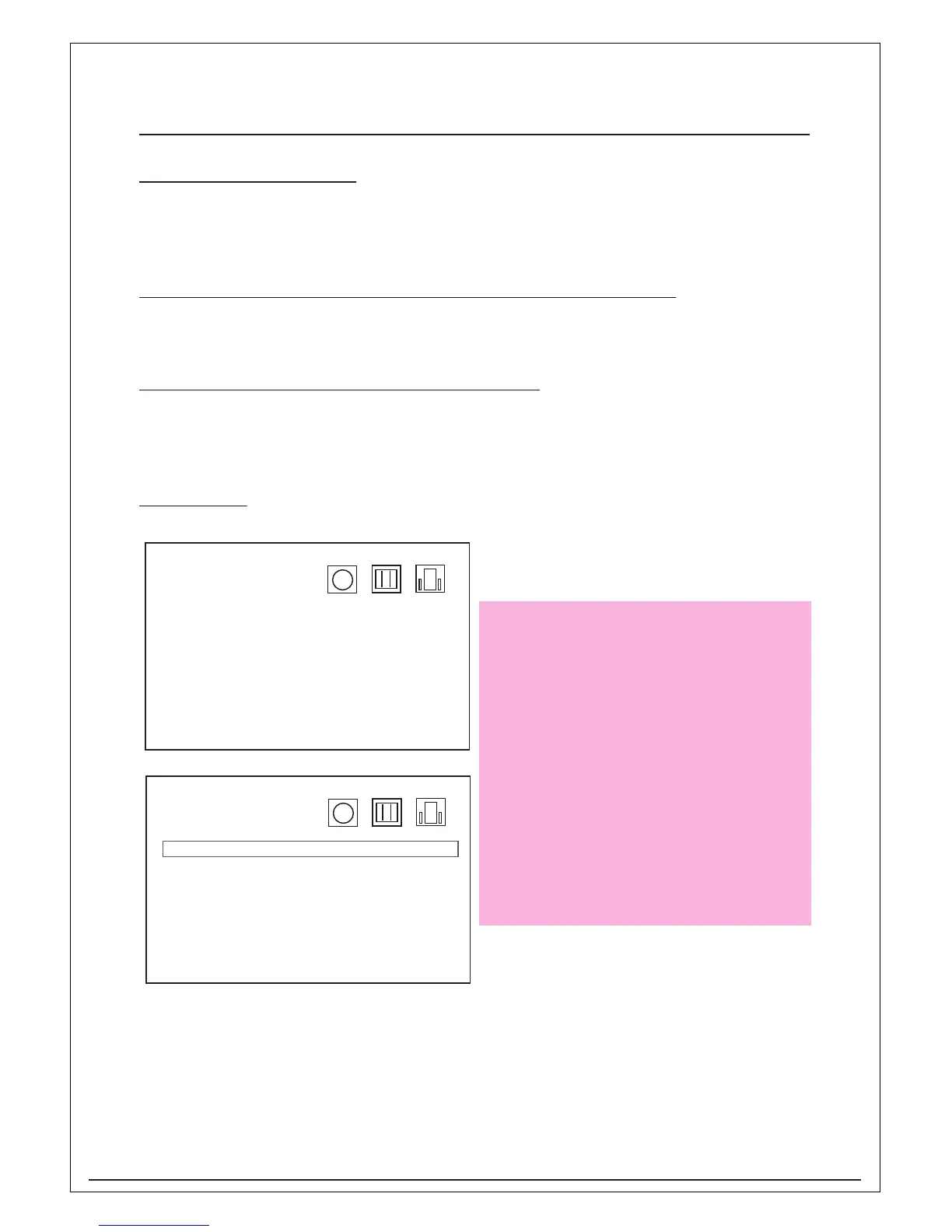
DVD SETUP
Language
OSD >
Disc >
Audio >
Subtitle >
Version >
Reset >
Language
OSD > English
Disc > Espanol
Audio > Francais
Subtitle > Deutsch
Version > Italiano
Reset >
Press “SETUP” on remote control and go
into DVD setup
Press Enter and use the navigations key
on remote control to select the OSD
language then press Enter to confirm.


 To Next Page