14
Quick Starting Guide
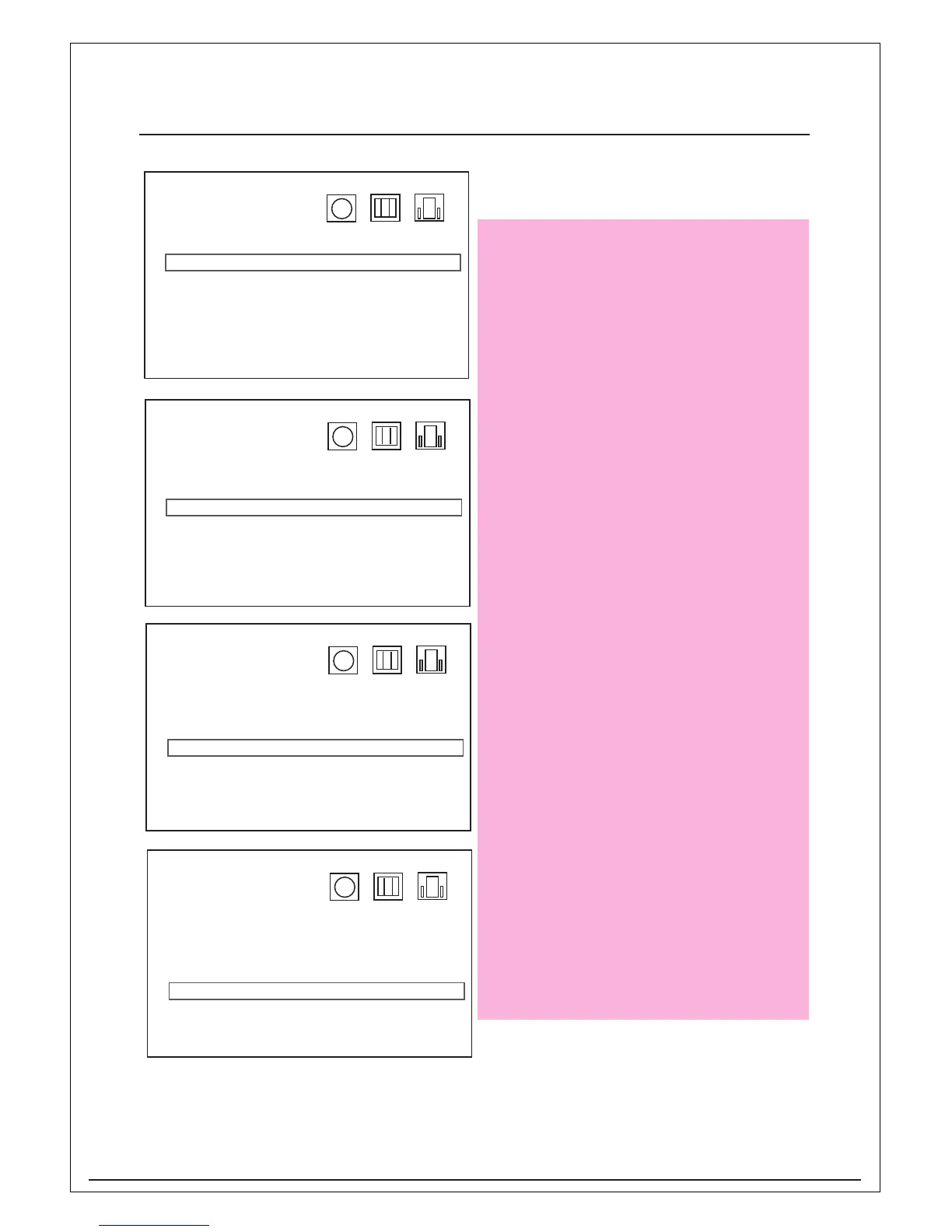
Language
OSD > English
Disc > Spanish
Audio > French
Subtitle > German
Version > Italian
Reset > Others
Press Enter and use the navigations key
on remote control to select the disc
language then press Enter to confirm.
Language
OSD > English
Disc > Spanish
Audio > French
Subtitle > German
Version > Italian
Reset > Others
Press Enter and use navigations key on
remote control to select the audio channel
language then press Enter to confirm.
Language
OSD > English
Disc > Spanish
Audio > French
Subtitle > German
Version > Italian
Reset > Others
Press Enter and use navigations key on
remote control to select the subtitle
language then press Enter to confirm.
Language
OSD >
Disc >
Audio >
Subtitle >
Version > View Ver.
Reset >
Press Enter and use navigations key on
remote control to select the version to
display the unit software version then
press Enter to confirm.


 To Next Page