15
Quick Starting Guide
Language
OSD >
Disc >
Audio >
Subtitle >
Version >
Reset > Restore
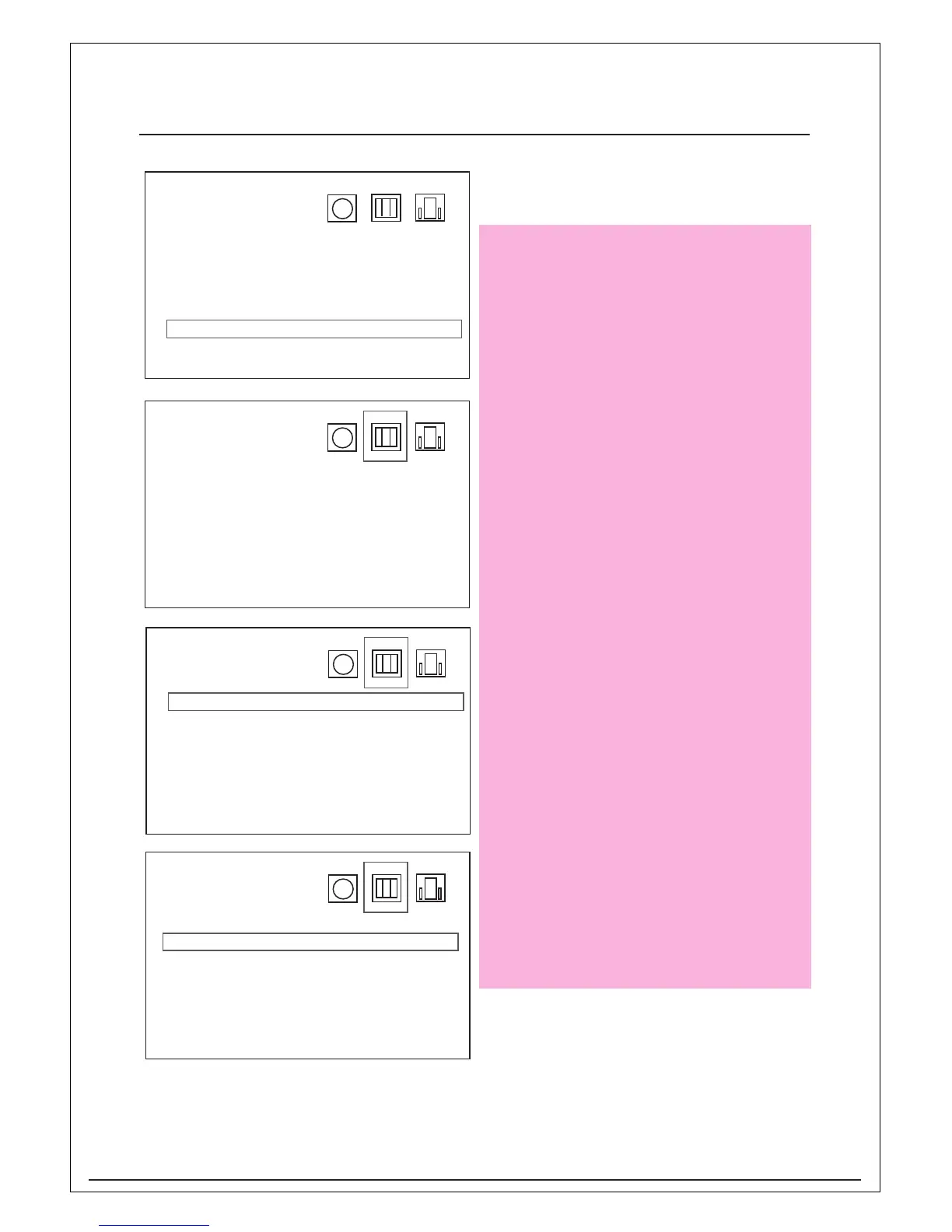
Press Enter and use navigation key on
remote control to select the Reset to
restore the factory default setting then
press Enter to confirm.
Display
TV display >
Pause Mode >
Message >
Black Level >
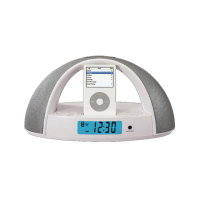
Press Enter and use navigations key
“Right” on remote control to select the
Display mode then press Enter to confirm.
Display
TV display > Wide
Pause Mode > 4:# L-Box
Message > 4:3 PS
Black Level >
Press Enter and use navigations key on
remote control to select the TV display
to choose the screen output then press
Enter to confirm.
Display
TV display > Auto
Pause Mode > Frame
Message > Field
Black Level >
Press Enter and use navigation key on
Pause Mode to select which method to
pause then press Enter to confirm


 To Next Page