EasyManua.ls Logo

Cyber Acoustics AC-5002 - User Manual

Cyber Acoustics AC-5002
12 pages
Print Icon
To Next Page IconTo Next Page
Loading...
Quick Start Guide
www.CyberAcoustics.com
CA P/N: AC-5002 Rev. A00
2022-03
AC-5002
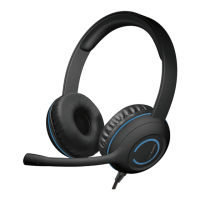
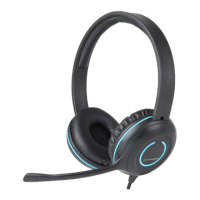
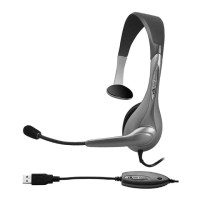
Analog Headset
In-line volume control
Refer to the Frequently Asked
Questions on pages 5 & 6 if there
are problems with the headset
functioning properly
Do Not Throw Away
Question and Answer IconNeed help?

Do you have a question about the Cyber Acoustics AC-5002 and is the answer not in the manual?

Summary

Using the AC-5002 Analog Headset

Getting Started

Controls

Technical Specifications

Frequently Asked Questions

No Sound when system has more than one audio jack

Troubleshooting audio jack connection on systems with multiple ports.

No Sound or Microphone is not working

Resolve issues with headset audio or microphone functionality.

No Sound or Volume is low

Solutions for troubleshooting no sound or low volume on the headset.

Customer Support

Safety and Precautions

General Safety Instructions

Guidelines for safe operation, handling, and placement to prevent damage or injury.

Suppliers Declaration of Conformity

Cyber Acoustics AC-5002 Specifications

General IconGeneral
Connectivity TechnologyWired
Impedance32 Ohms
Frequency Response20Hz - 20kHz
MicrophoneYes
Noise CancellationNo
Sensitivity110 dB
Driver Size40mm
Microphone Sensitivity-58 dB
Connector3.5mm
Form FactorOver Ear

Related product manuals