Fixing Video Flickering
Skype Application:
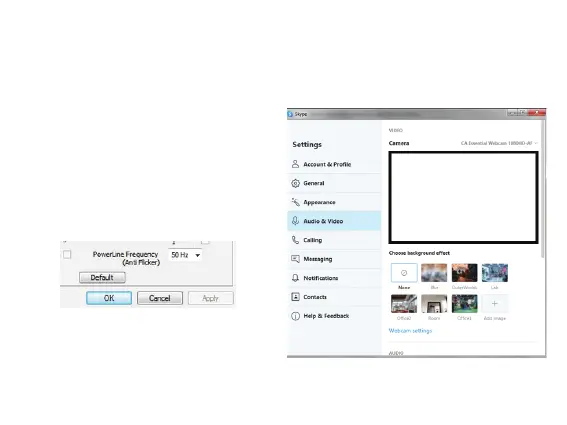
When using Skype with the CA Essential Webcam Flex:
- Launch and sign in to Skype
- Go to Tools > Options > Audio & Video Settings
- Click the Webcam settings button
- Change the PowerLine Frequency (Anti Flicker)
based on the recommended settings as
- Click Apply and then click OK
For other applications using video, please refer to your software user guide on how to adjust
the Flicker Control.
Page 12
mentioned on Page 11



 To Next Page