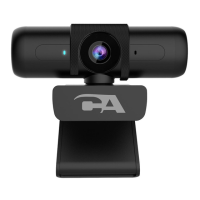
Connecting the CA Essential Webcam Flex
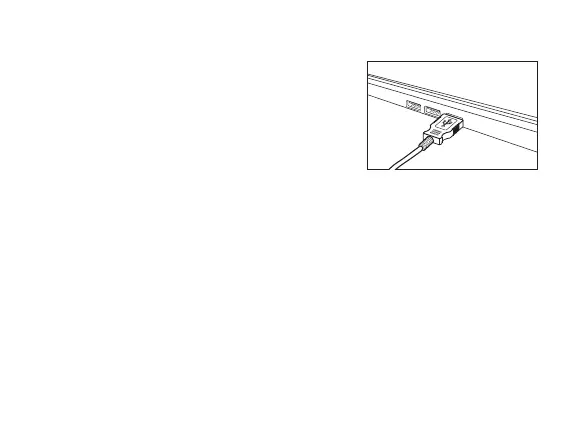
Insert the end of the USB Webcam Flex
cable into the USB Type A port on your
computer as shown.
The CA Essential Webcam Flex features full plug and play support for Windows,
OS X / MacOS and Chromebooks. After plugging the webcam into the computer’s
USB Type A port, you may start any application that accepts a USB video stream,
such as Skype, and begin using your webcam.
Important:
To use the webcam’s internal microphone you will have to select it as a USB audio
input in your application settings.
If the computer does not automatically recognize the webcam when it is plugged into
the USB Type A port, try plugging the USB Webcam Flex Cable into a different USB
Type A port. If this does not work then restart the computer. This will cause the
webcam to be recognized in most instances.
Page 2



 To Next Page