Page 6
Button Functions
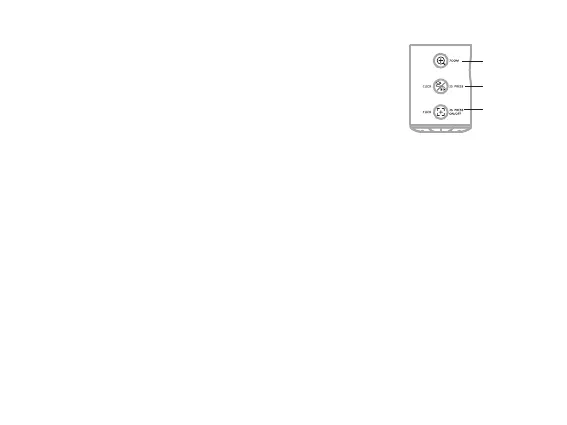
To correct mirroring:
- Press and hold the Image Button for two seconds to ip the
image horizontally.
- To return the image back to the previous setting, press and hold
the Image Button for two seconds.
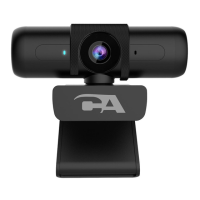
Focus Button - The Webcam Flex comes in auto focus mode by default (the light will be
solid, indicating auto focus is active). If your image is blurry, or if the camera keeps
re-focusing and won’t stabilize, such as in a busy environment where the camera can’t
determine the proper focal point, the Focus Button enables image re-stabilization.
Manual
- If your image is blurry and won’t focus, press the Focus Button once to re-focus the
camera. The light will ash once.
Auto Focus and Fixed Focus
- If you see the camera re-focusing and won’t stabilize, change to xed focus. To change
to xed focus at a location 18-24 inches from the camera, press and hold the Focus
Button for two seconds. The light will ash slowly when in xed focus.
- Press and hold again to return to auto focus. The light will be lit solid.
Zoom Buon
Image Buon
Focus Button



 To Next Page