Copyright © 2022CyperPower Systems, Inc. All rights reserved. 11F., No.26, Jinzhuang Rd., Neihu Dist., Taipei City 114, Taiwan K01-C000756-00
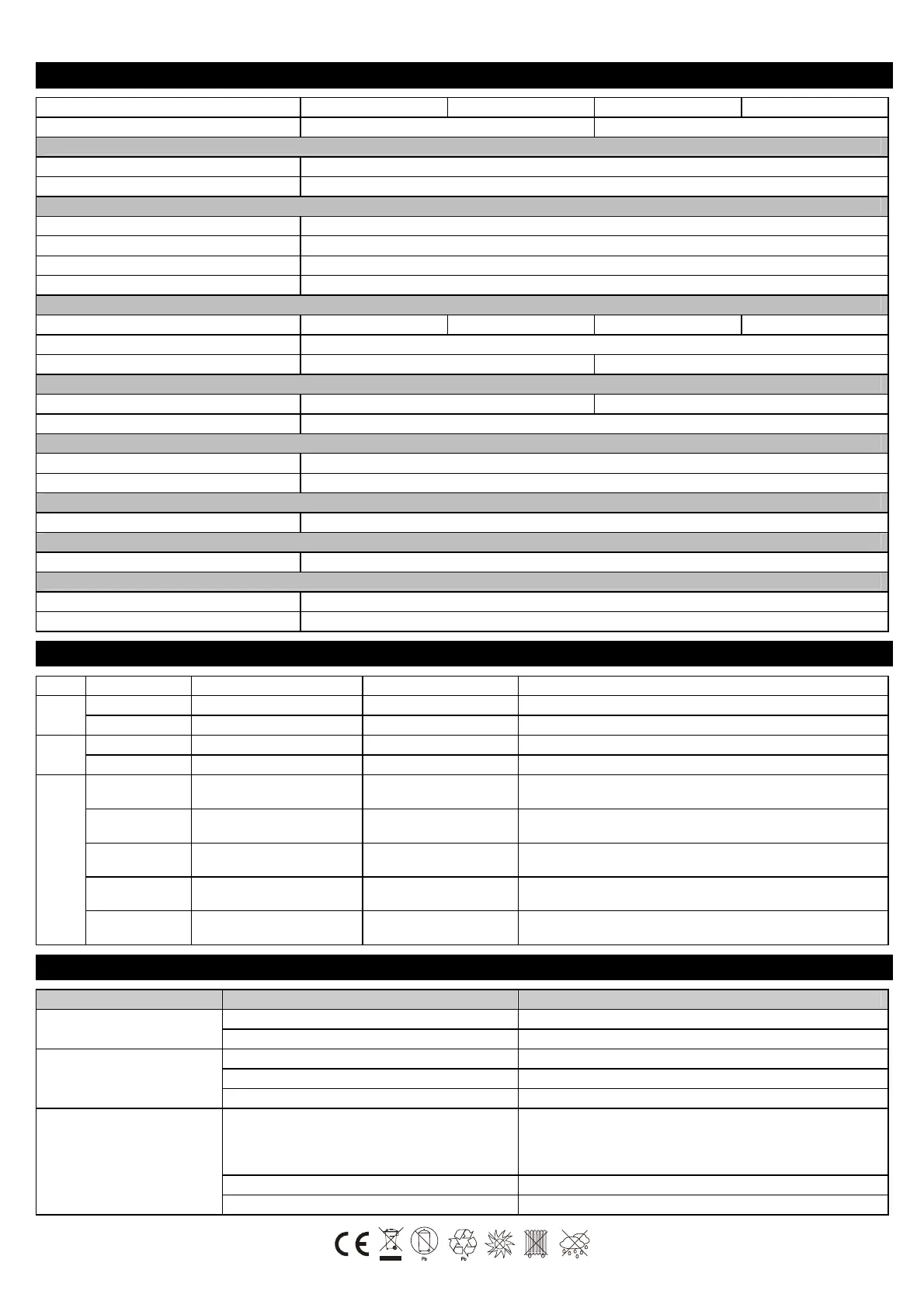
TECHNICAL SPECIFICATIONS
Model
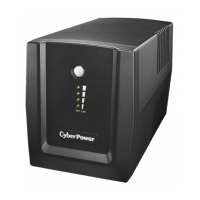
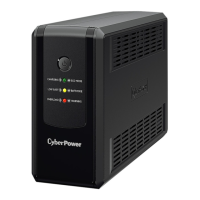
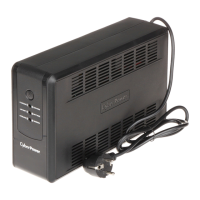
UT1500EG UT1500EIG UT2200EG UT2200EIG
Capacity (VA/W)
1500 / 900 2200 / 1320
Input
Voltage Range
167~295Vac
Nominal Frequency
50/60Hz
Output
On Battery Output Voltage
Simulated Sine Wave at 230Vac +/-10%
On Battery Output Frequency
50/60 Hz+/-1%
USB Charge Port
1 x Type A + 1 x Type C @ 2.1A (Shared)
Overload Protection
Breaker / Fuse
Physical
Total # of UPS Receptacles
(4) Schuko or FR (6) IEC (4) Schuko or FR (6) IEC
Dimensions (Wx H x D)(mm)
148 X 178 X 298
Weight (kg)
9.1 kg 10.8 kg
Battery
Sealed Maintenance Free Lead Acid Battery
RBP0089 x2 RBP0090 x2
Typical Recharge Time
8 Hours
Warning Diagnostics
Indicators
Utility / Battery / Fault
Audible Alarms
On Battery, Low Battery, Overload, Fault
Surge Protection
Network/ Phone/ Fax/ Modem Protection
YES
Communication
PowerPanel® Personal Software
Windows 10/8/7, Windows Server 2016/2012/2008, Linux
Environmental
Operating Temperature
0C to 40C
Operating Relative Humidity
0 to 90%
DEFINITIONS FOR ILLUMINATED LED INDICATORS
LED Light Audible Alarm UPS Status Description
Green
ON - ECO Mode The utility is normal. The UPS operates in energy-saving mode.
Slowly Flashing - Charging The utility is normal. The UPS is charging the battery.
Yellow
ON Beep twice every 30 seconds Battery Mode The UPS is providing battery power.
Flash Rapid Beeping Low Battery The UPS will run out of battery power soon.
Red
ON, Flash once
every 5 seconds
Constant Tone Battery Output Short Fault Turn off the UPS and unplug at least one piece of equipment.
ON, Flash twice
every 5 seconds
Constant Tone Overload Fault
Connected equipment exceeds the rating of the unit. Turn off the UPS
and unplug at least one piece of equipment.
ON, Flash 3 times
every 5 seconds
Constant Tone Charger Fault Contact CyberPower for support
ON, Flash 4 times
every 5 seconds
Constant Tone Hardware Fault Contact CyberPower for support
Flash Constant Tone Overload Warning
Connected equipment exceeds the rating of the unit. Turn off the UPS
and unplug at least one piece of equipment.
TROUBLESHOOTING
Problem Possible Cause Solution
The UPS does not perform
expected runtime.
Batteries are not fully charged. Recharge the battery by leaving the UPS plugged in.
Battery is slightly worn out. Contact CyberPower Systems Technical Support.
The UPS will not turn on.
The unit is not connected to an AC outlet. The unit must be connected to a 220-240V outlet.
The battery is worn out. Contact CyberPower Systems Technical Support.
Mechanical problem. Contact CyberPower Systems Technical Support.
Outlets do not provide power to
equipment
Fuse is blown or breaker is tripped due to overload.
Turn the UPS off and unplug at least one piece connected equipment.
Unplug the power cord of the UPS then replace the blown fuse with a
spare one or press the circuit breaker knob. Connect power cord then
turn the UPS on. Make sure that your spare fuse meets the specification.
Batteries are discharged Allow the unit to recharge for at least 4 hours.
Unit has been damaged by a surge or spike. Contact CyberPower Systems Technical Support.





 To Previous Page