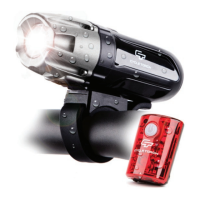
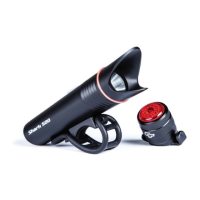
SHARK 500 USER MANUAL
5
How to Charge
SHARK 500 HEADLIGHT
BOLT TAIL LIGHT
1 2
3
1 2
3
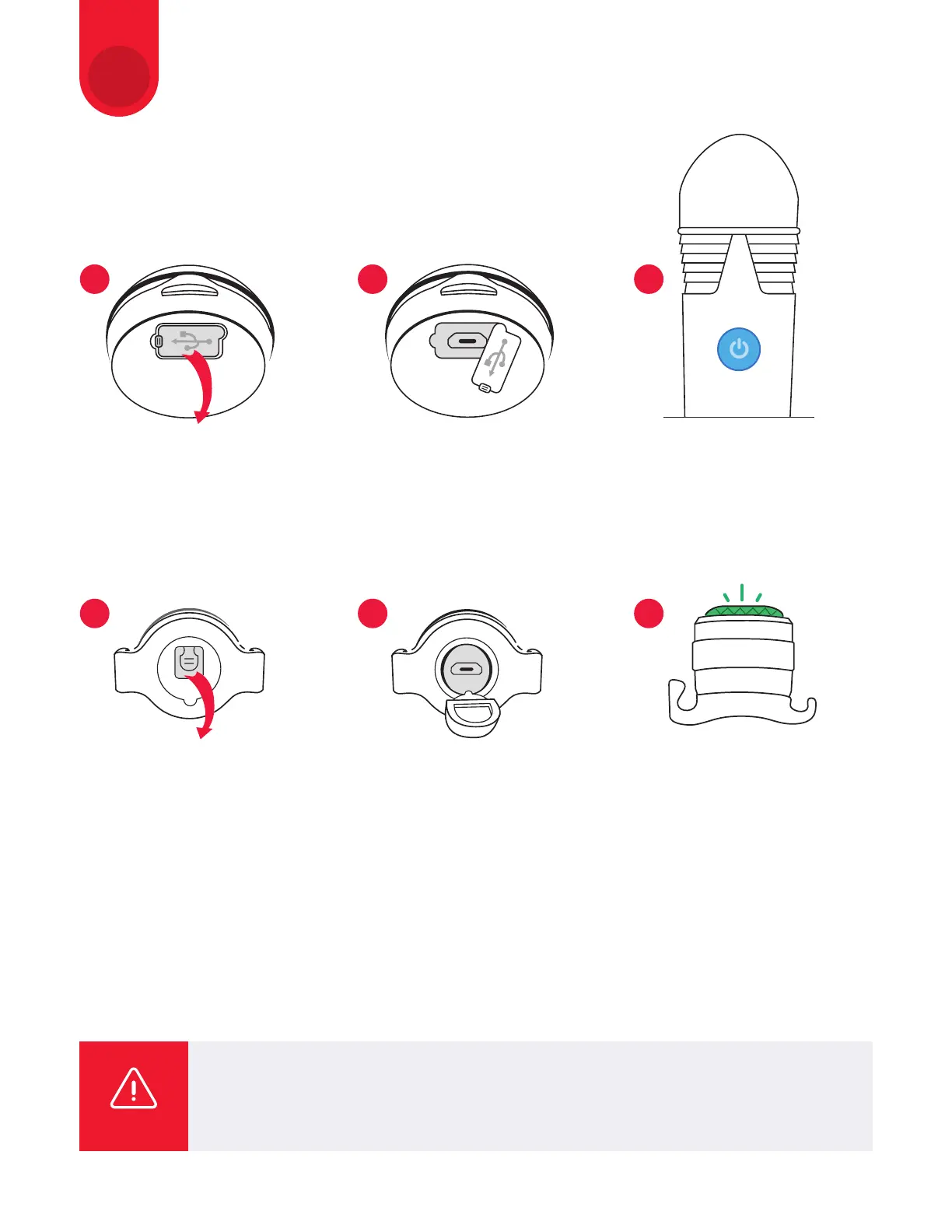
Remove the rubber cap
at the bottom of light;
Connect the light to your PC,
or a 5V max 2A USB battery
charger with the USB cable.
The power button lights up,
and charging starts;
When the power button turns
blue, charging is complete.
Remove the USB cable.
Remove the rubber cap
at the bottom of Tail Bolt;
Connect the Tail Bolt to your PC
or a 5V max 2A USB battery char-
ger with the USB cable. The lens
lights up
red
when the charging
starts;
When the lens lights up green
- charging is complete. Remove
the USB cable;
Charging time: 2 hours
The cable (or other accessories) supplied with the Cycle Torch bike light MUST be
used only to charge the Cycle Torch bike lights. The Manufacture or/and the Seller
are not responsible for any damage caused by using the supplied accessories with
the devices other than Cycle Torch bike lights.
WARNING
TIPS AND TRICKS:
• When your PC is in a sleep state, the light cannot be charged;
• Flashing light of the power button shows that a charging error has occurred. Remove and reinsert
the USB cable, then begin the recharge process again;
• The battery charges to about 80% after approximately 4 hours for a headlight and 2 hours for a tail light;
• Charging and lighting times are approximate values, and will vary by environmental and user conditions.
3


 To Next Page