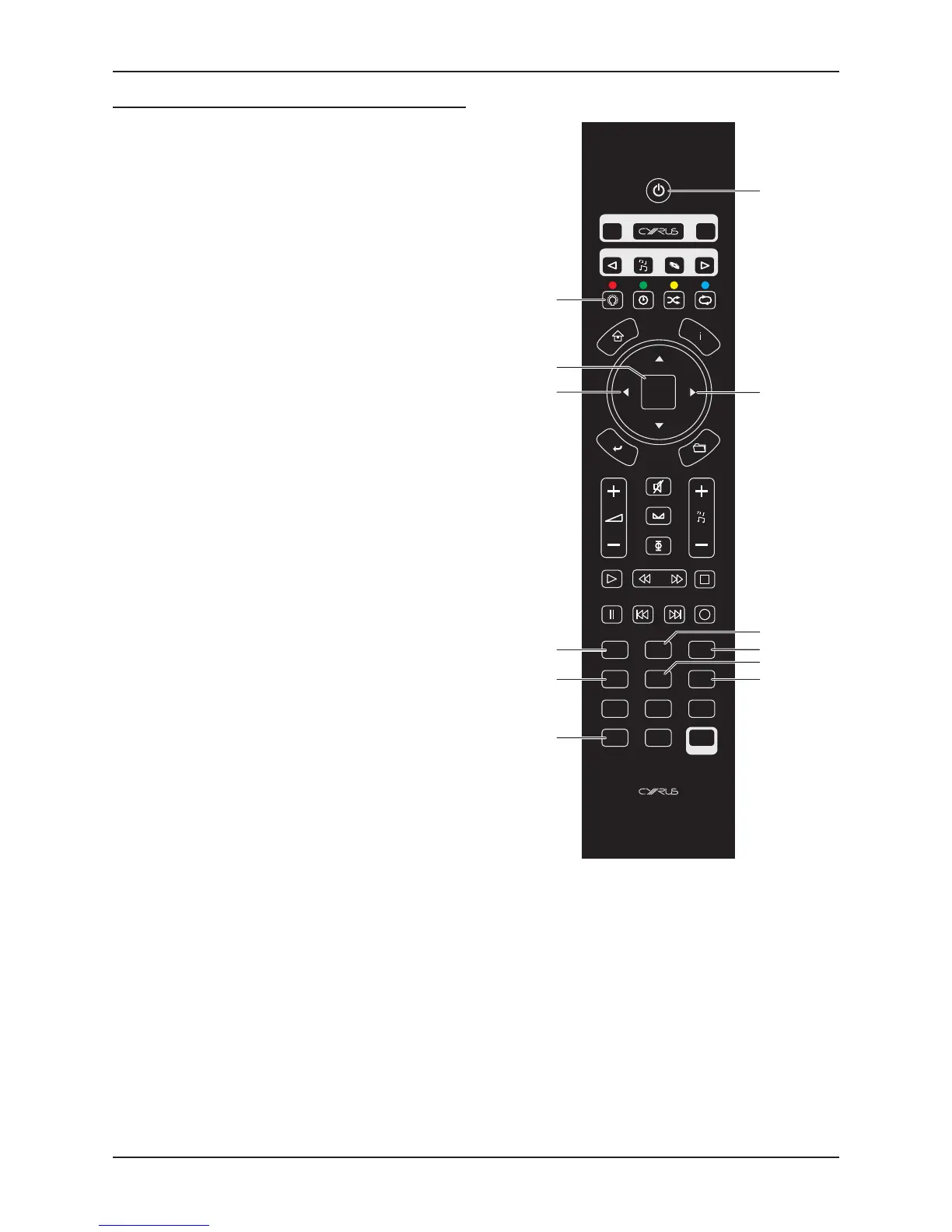
Cyrus iR14 Remote control User Instrucons
6
Cyrus Phono Signature commands
Commands are sent to the Phono Signature via keys reserved
from the amplier control system.
The remote control operates in the same way as the front
panel controls - press a key to select a funcon, change
that seng with the CURSOR keys, conrm the seng with
ENTER/SELECT.
This page lists commands that will control the Phono
Signature.
Press the CYRUS key to set the remote control to Cyrus •
mode.
You can now control both a Cyrus amplier and the Phono
Signature. The CYRUS key will ash red when commands are
being sent in this mode.


 To Next Page