Ⅴ. Audio File Upload and Firmware Upgrade
1. Smart Sound
Please download and install SmartSound from your mobile phone application shop or
from the official website of ChengZhi - Service and Support - Download Centre page.
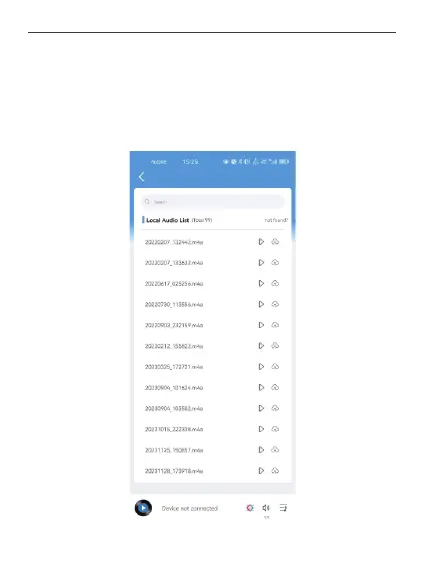
① Audio upload: Turn on the Bluetooth switch of your mobile phone, click Connect Device
on the home page of Smart Sound, click Local to view the local audio list, select the
desired audio and click Upload button.
30



 To Next Page