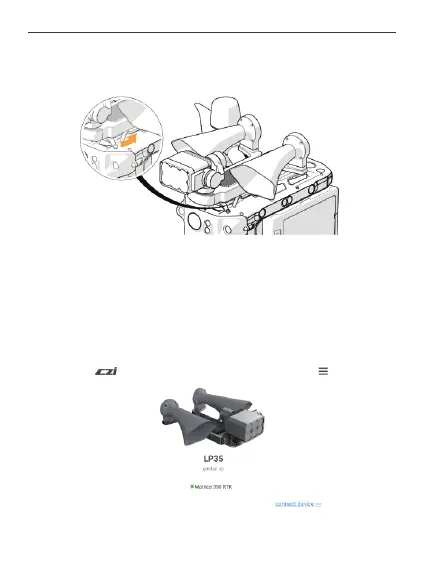
3. Disassemble the load: Rotate the handle in the direction of the arrow until it reaches
the end, and slide the LP35 Searchlight and Broadcasting System out of the slide rail,
wait for the LP35 to slide out before releasing your hand。
Ⅳ. czi Pilot App Control
1. Firstly, download the latest czi Pilot from the official website of czi, install it on the DJI
remote control, load the LP35 load onto the M350 drone, turn on the drone power
supply, and open the czi Pilot software in the remote control to enter the homepage, and
then you can see the following interface.
24



 To Next Page