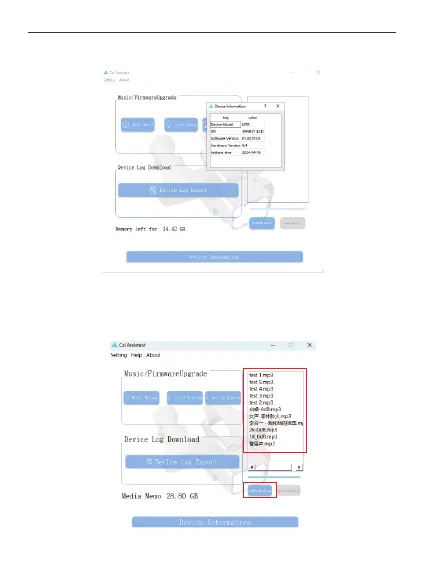
Click the "Device Information" button to check the version, activation time and other
general device information.
③Audio Transmission
Query Media Catalogue: Click "Refresh Catalogue" button and wait for the device to
respond to the media catalogue.
Click the "Refresh Catalogue" button and wait for the device to respond to the media
catalogue.
35



 To Next Page