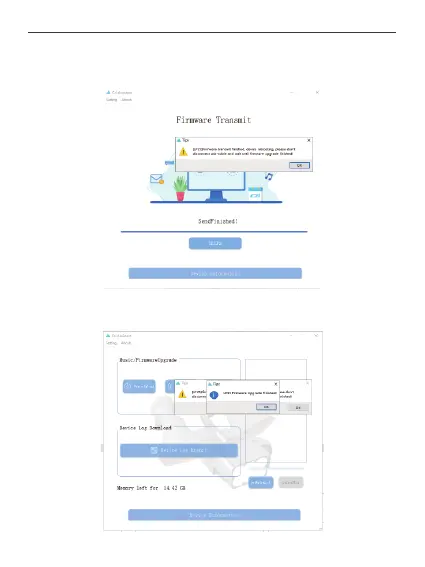
After the transfer is complete, the device will reboot and start upgrading. (Note: At this time
only the firmware will be transferred to the device, the upgrade process is still not
complete, you need to wait for the device to upgrade itself and reconnect to the ChengZhi
assistant before you can disconnect the USB cable!)
When the upgrade is completed, the device will reconnect to czi Assistant and indicate that
the upgrade was successful. At this time, you can click the device information button to
check the firmware version, check whether the upgrade is successful.
34



 To Next Page