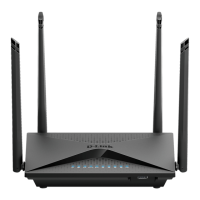
DIR-853
15
ENGLISH
7. Conrm your settings on the next screen:
- Connection method: "
Wired Connection"
- Work mode: "
Router"
and click
“NEXT”
.
8. A detailed information about your Internet connection will appear on the screen. If your Internet Service
Provider does not require additional settings, select the connection type from drop-down menu
“Connection
type”
and select
“Dynamic IPv4”
and click
“NEXT”
.
9. The next screen will show information about the conguration of a Wi-Fi network operating in the 2.4
GHz band. By default, it is congured and protected with a unique password, which is located at the bottom
of the device in the
“WPS PIN”
eld. If you do not want to make changes, click
“NEXT”
.
PRODUCT SETUP
WEB-BASED SETUP


 To Next Page
 Loading...