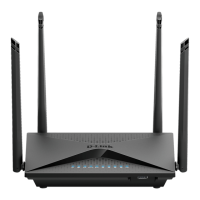
DIR-853
16
ENGLISH
10. The next step is to congure Wi-Fi networks in the 5 GHz band. By default, the password for this Wi-Fi net-
work is the same as for a network operating in the 2.4 GHz band. If you do not want to make additional changes,
click
“NEXT”
.
11. If your service provider has not indicated additional settings for the device conguration, press
“NEXT”
for
the IPTV and VoIP service conguration steps.
PRODUCT SETUP
WEB-BASED SETUP


 To Next Page
 Loading...