61D-Link COVR-C1203 User Manual
Section 4 - Adding Additional Extenders
Adding Additional Extenders
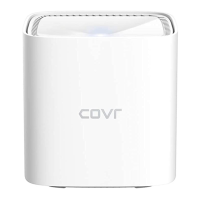
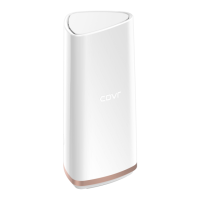
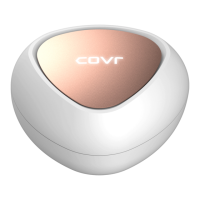
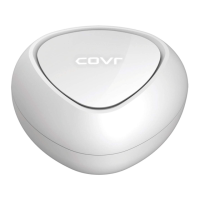
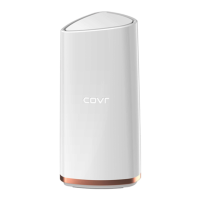
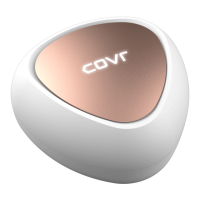
Covr is a scalable solution. You can add additional COVR-C1200 extenders at any time to increase coverage in your home
whenever you need to. Adding more extenders is a quick and easy process. You can add up to 4 additional extenders, for a
combined total of 6 Covr Powerline extenders.
There are three ways you can add extenders to your Covr network: WPS, Web User Interface, or D-Link Wi-Fi.
• - Sync additional extenders by using the WPS button on the devices. Refer to Using Wi-Fi
.
• Web User Interface - Add additional extenders using the COVR-C1200's web user interface. Refer to Using the Web
User Interface on page 64.
• D-Link Wi-Fi App - Use your Android device, iPhone, iPad, or iPod touch to add an extra Powerline extender. Refer to
Using the D-Link Wi-Fi App on page 65.



 To Next Page
