22
Installing the Software Drivers (Windows 2000 OS)
(continued)
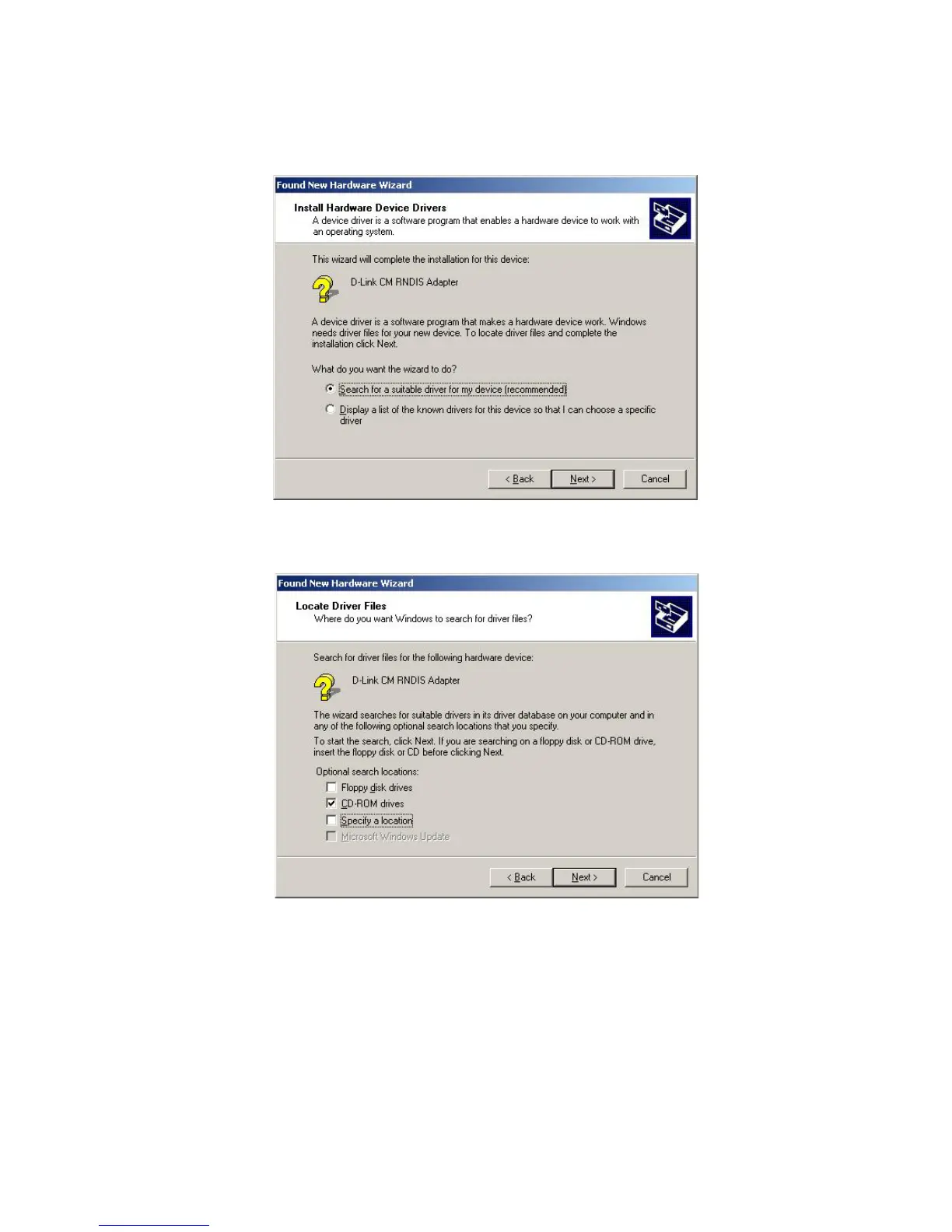
3 Check the Specify a location check box and click Next to search for the
necessary driver files.
4 Insert the D-Link Installation and Documentation CD into the computer’s
CD-ROM drive.
5 The location of the file is:
D:\Drivers\
If necessary, replace D with the letter of your computer’s CD-ROM
drive. You can either type the location of the file into the Copy
manufacturer’s files from field, or click Browse to locate the file.
6 When the correct location of the driver file appears, click OK.
c The Found New Hardware Wizard screen appears.
2 Select Search for a suitable driver for my device (recommended) and click
Next.



 To Next Page