23
7 The Found New Hardware Wizard displays the search results.
8 Click Next to install the driver files for the cable modem.
If the Digital Signature Not Found screen appears, click Yes to continue the
driver installation.
Installing the Software Drivers (Windows 2000 OS)
(continued)
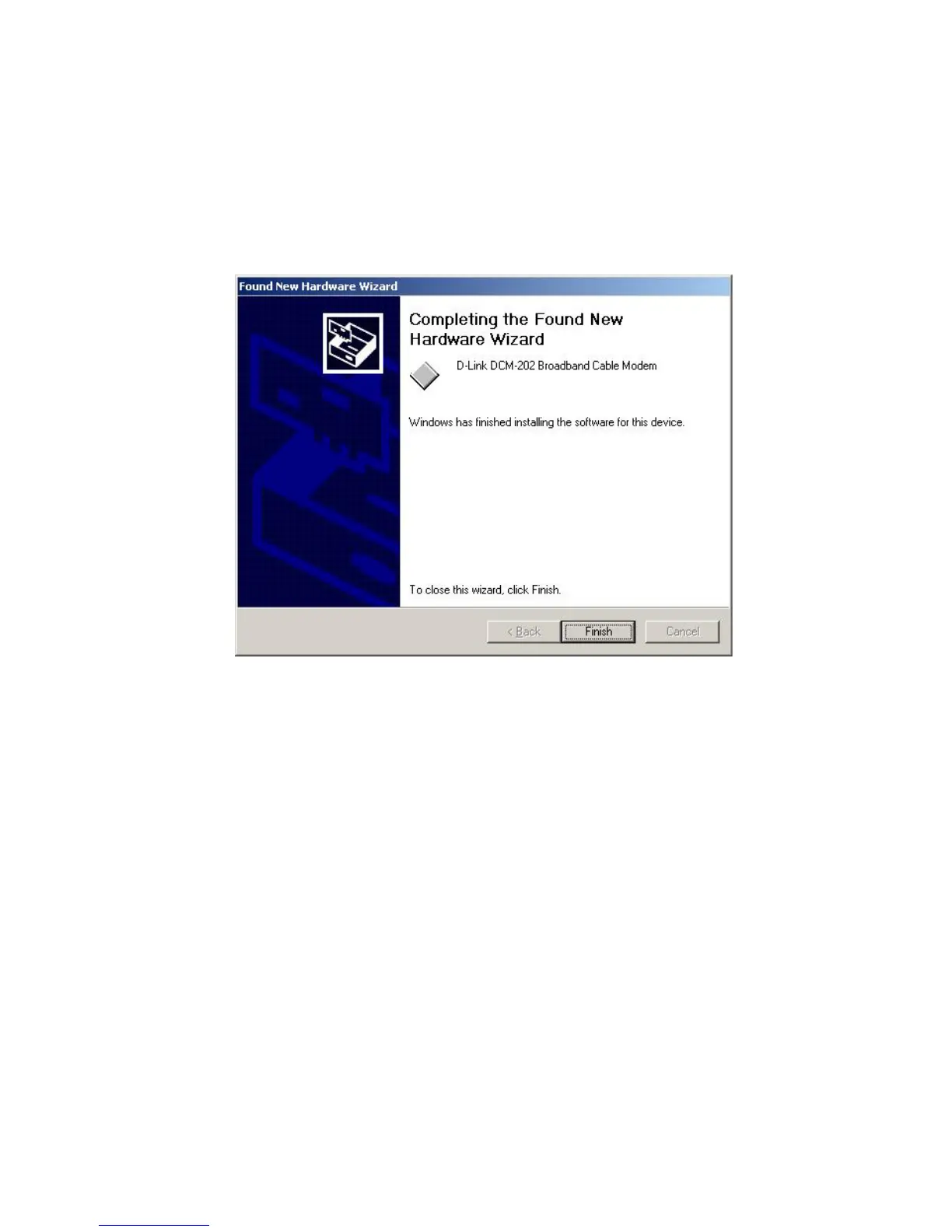
9 The Found New Hardware Wizard completes the driver installation. Click
Finish to close the wizard.
10 Verify that the Power, Cable, Status, and USB LED lights are solid green
and not blinking. If they are lit and not blinking, installation is now
complete; otherwise, see “Troubleshooting the USB Installation” for help.
See “Cable Modem Front and Rear Panels” for more information about
the front panel LEDs.



 To Next Page