HOW TO CONFIGURE THE INTERNET:-
HOW TO CONFIGURE THE INTERNET:-
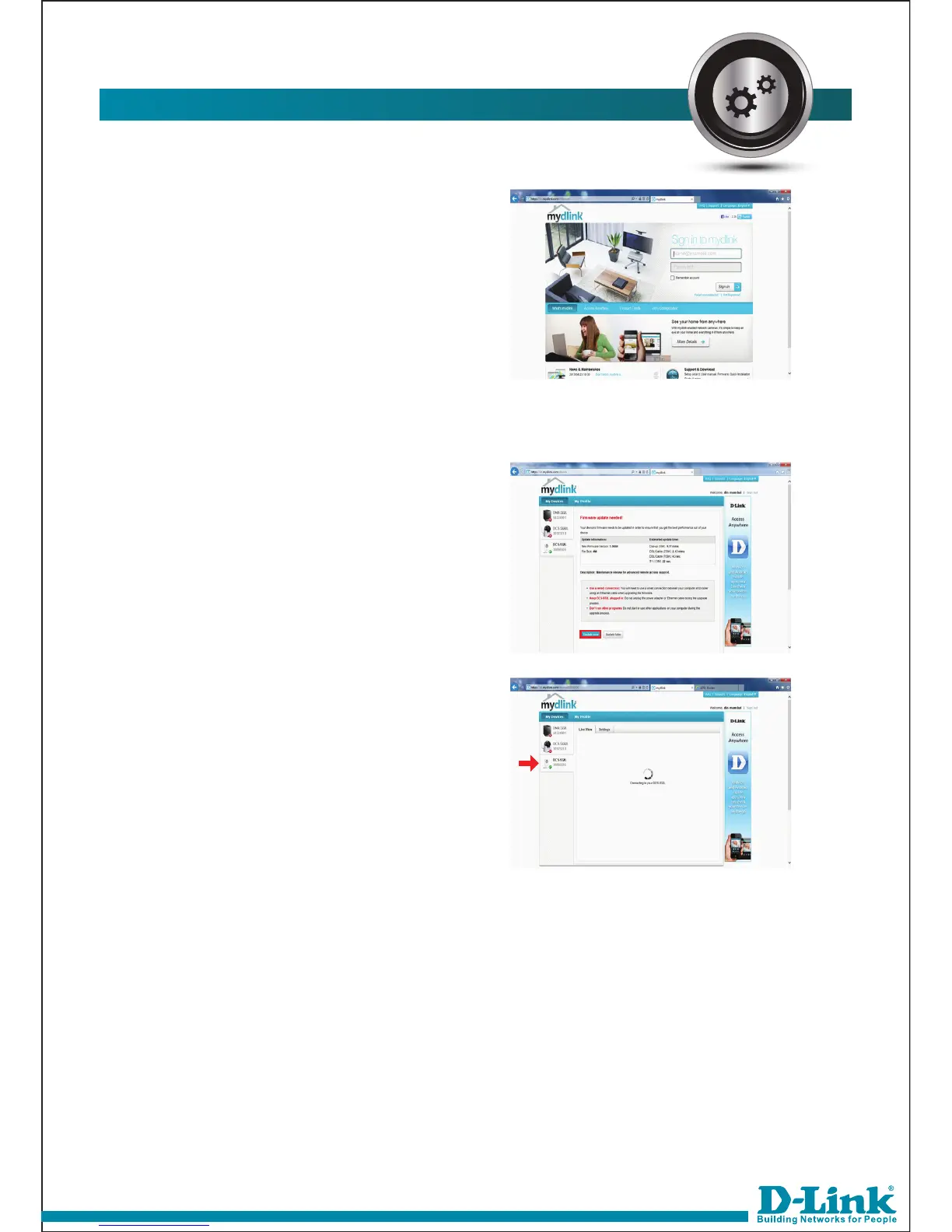
This will prompt for username and
password to login into the account.
16.
For first time it will ask to update the
firmware. By clicking on Update now
you can update the firmware.
By selecting camera you can view
the video.
17.



 To Previous Page