10
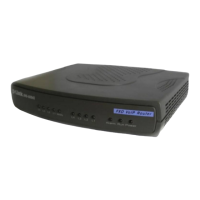
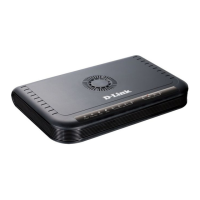
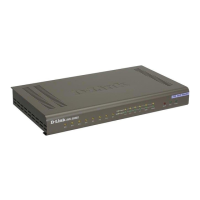
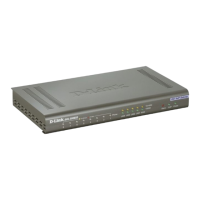
Line: Lights when PSTN line is in use.
Phone 1 to 4: Lights when standard phone port is in use.
Note: If a powered-up device is connected to a port and the port’s Link/Act status
indicator is unlit, the most probable cause is a cabling or connection problem
(for example, wrong cable type or bad contact) or a device malfunction.
LAN: This LED displays the connection speed, link status, and activity on
the 10/100 dual-speed Ethernet port that is used to connect to your LAN.
10/100M: This indicator remains unlit when there is no connection, or
the port is operating at 10Mbps through a connection to a 10BASE-T
device. It is lit when the port is operating at 100Mbps through a con-
nection to a dual-speed or 100BASE-TX Fast Ethernet device.
Link/Act: When a good link to a powered-up but idle device is de-
tected on a port, this indicator shines steadily. When packets are re-
ceived from the device, the indicator blinks off and on.
Understanding Indicators


 To Next Page