24
Using the Boot Menu
Device Information
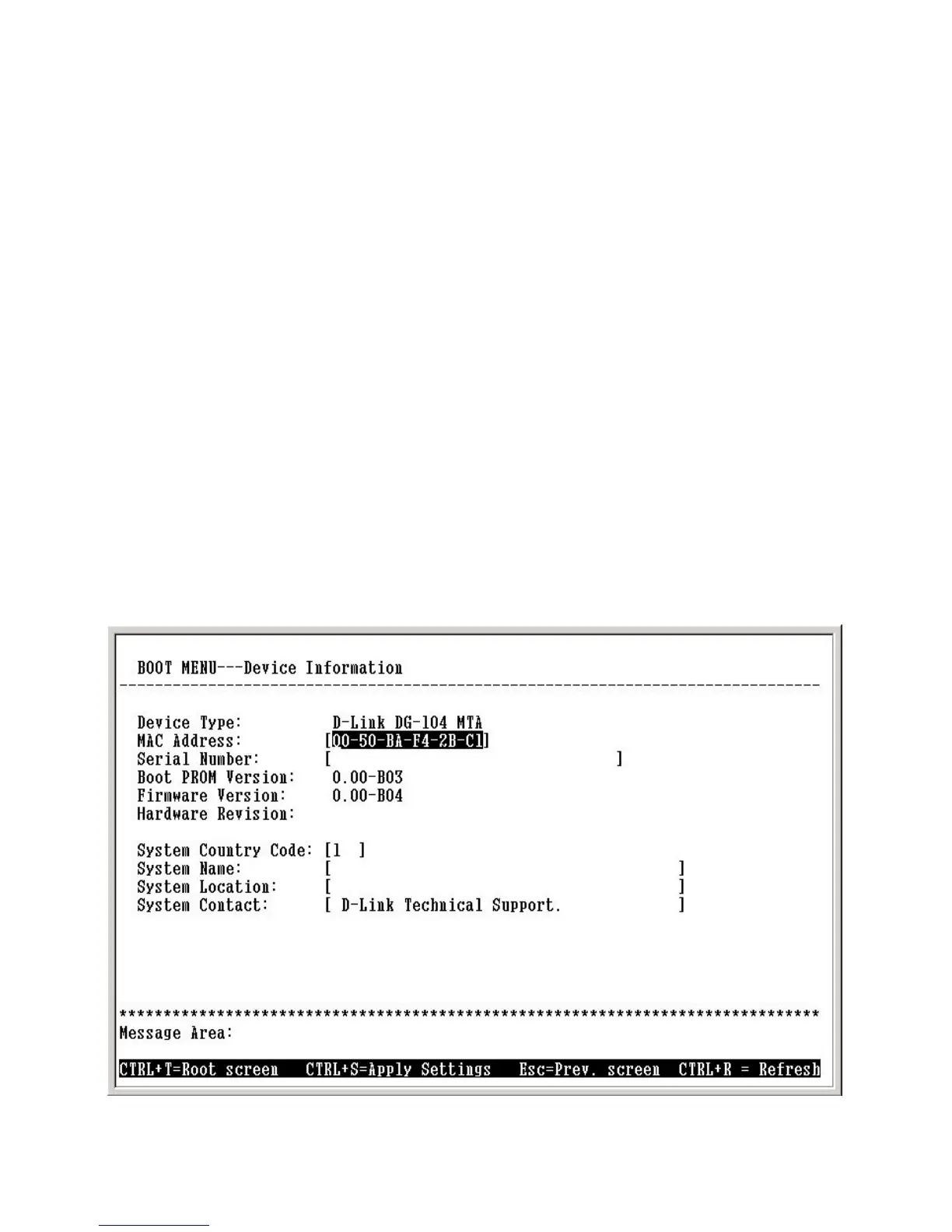
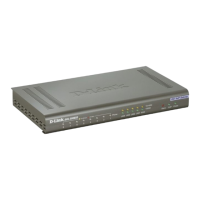
This screen displays various types of information about the DG-104SH as well
as allowing you to enter information pertaining to name, location, and how to
reach the person responsible for maintaining the device.
Use the arrow keys to highlight the second menu item on the Boot Menu, De-
vice Information, and press <Enter>. The Device Information screen will be
displayed:
Boot Menu—Device Information screen
Each item on the SNMP Configuration screen is described below:
SNMP AuthTrap: Enables or disables the SNMP trap function
Community: Enter the community name of the trap manager.
IP: Enter the IP address of the trap manager.
Configuring the SNMP


 To Next Page