17
Click on the Login to the web-based management module button in the middle
of the window. The following window will be displayed:
Configuration
Configuring the VoIP Gateway
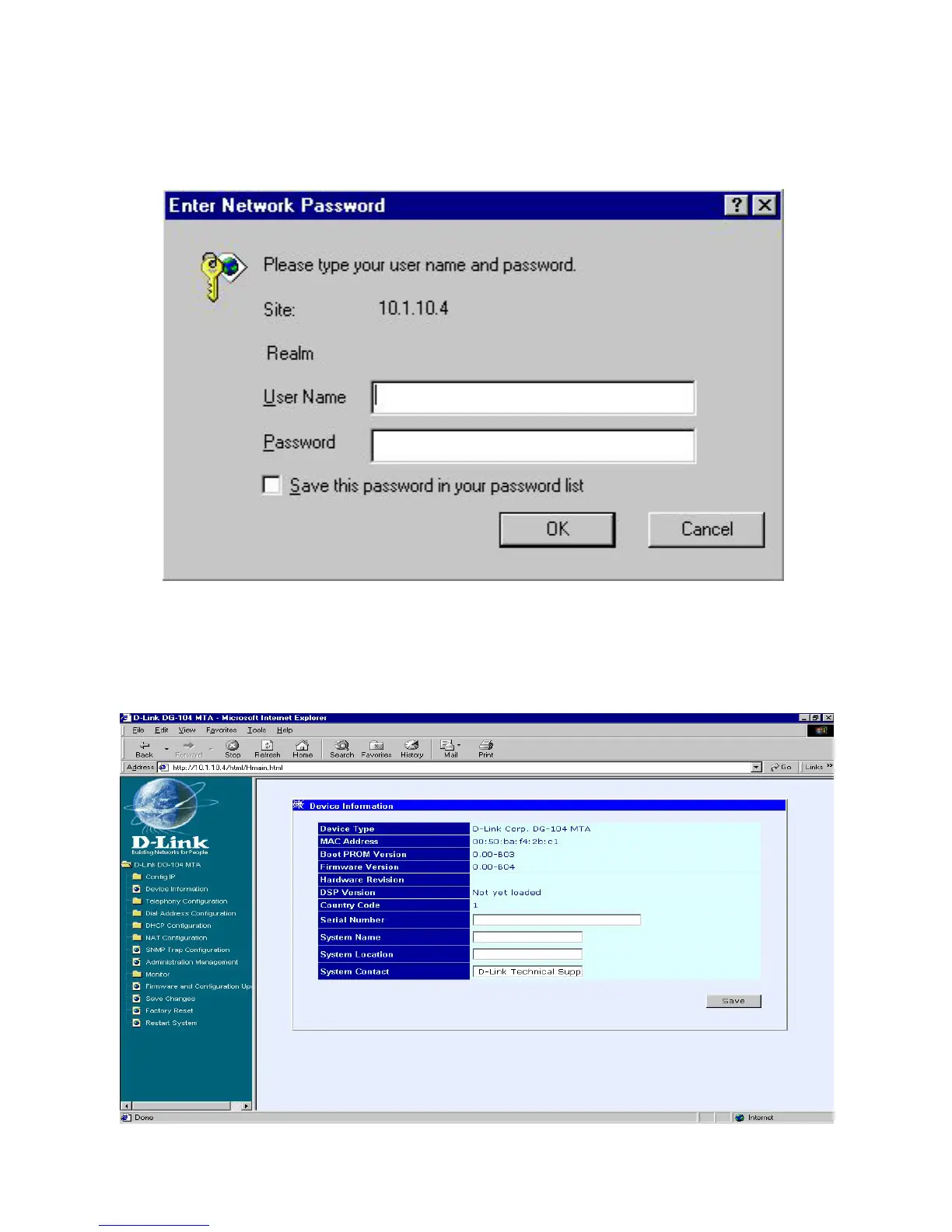
Initially, the VoIP gateway does not have a Username or Password. To log in,
simply click on the OK button.
The following window will be displayed:
Device Information window


 To Next Page