108D-Link DIR-3040 User Manual
Section 4 - Third Party Services
The Google Assistant Setup
Note: The screenshots may be dierent depending on your mobile device’s OS version. The following steps show the iOS interface.
If you are using an Android device, the appearance may be dierent from that of the screenshots, but the process is the same.
Step 1
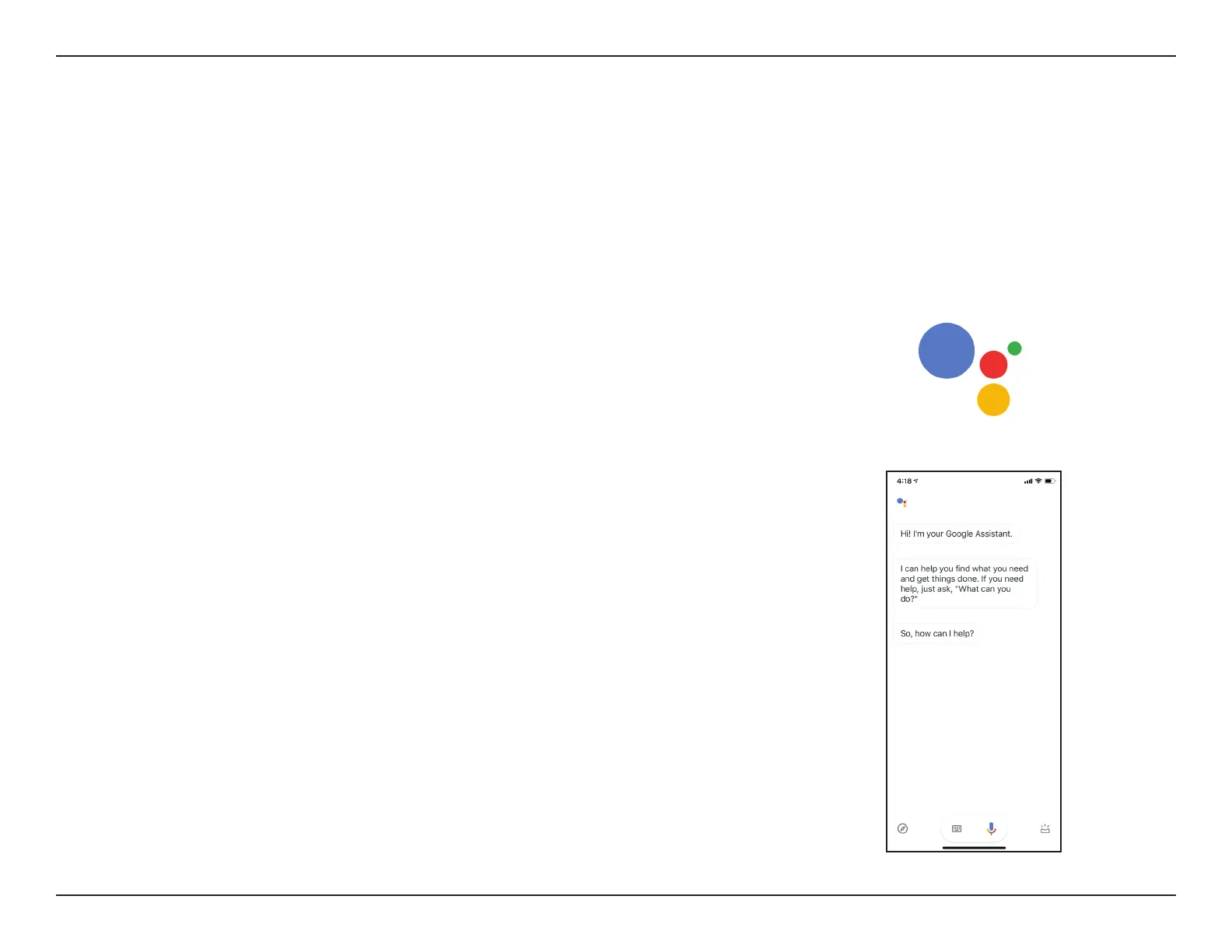
Launch the Google Assistant app.
Assistant
You will need the Google Assistant app, a Google account and a D-Link Cloud Service account to use this feature.
Step 2
Tell your Google Assistant to "Talk to D-Link Wi-Fi."


 To Next Page