10D-Link DIR-615 User Manual
Section 2 - Installation
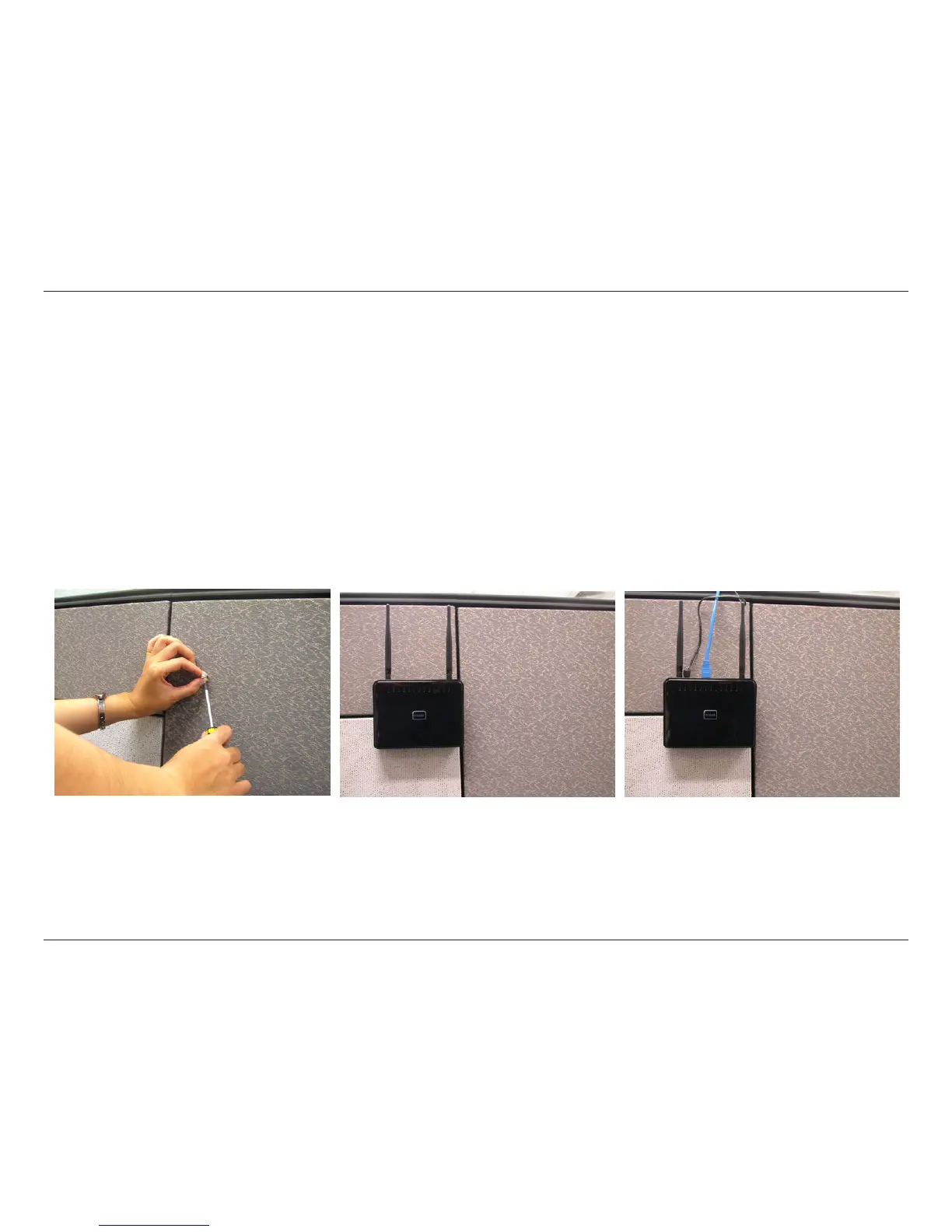
Wall Mounting Your Device
You can mount the DIR-501 to a wall or a partition for easy and convenient placement of your device.
To wall mount your device,
A. Screw the provided screws with the equipment to the wall or partition where the device to be placed.
B. Place the mounting holes on the bottom of the device over the screws to mount it to the wall or partition.
C. Connect your cables to the device.
Step A Step B Step C



 To Next Page