35D-Link DIR-615 User Manual
Section 3 - Conguration
Trafc Control
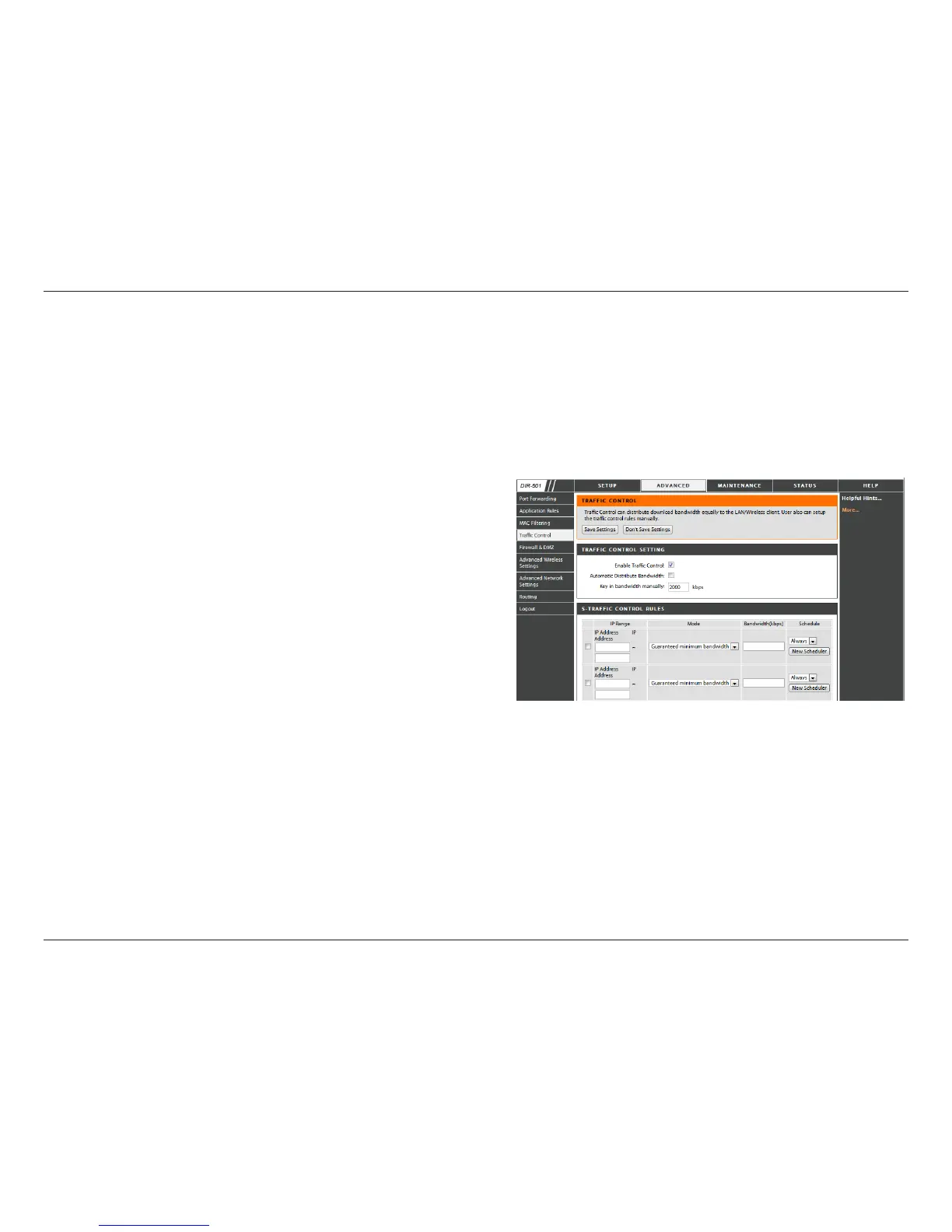
Trafc control can be used to distribute download bandwidth automatically according to the requirements of the users,
and the users also can setup manually.
Enable Trafc Control: Select this function to control the access bandwidth of computer in LAN.
Select this function to control the access bandwidth
of computer in LAN.
All the computers in LAN will be distributed the
bandwidth equally.
Key in the value to setup the bandwidth manually.
When the option Automatic Distribute Bandwidth is
unchecked, you can control the access bandwidth
of the specic IP address.
Enable Trafc
Control:
Automatic
Distribute
Bandwidth:
key in
bandwidth
manually:
Tafc Control
Rules:



 To Next Page