68D-Link DIR-615 User Manual
Section 8 - Conguring the IP Address in Vista
Conguring the IP Address in Vista
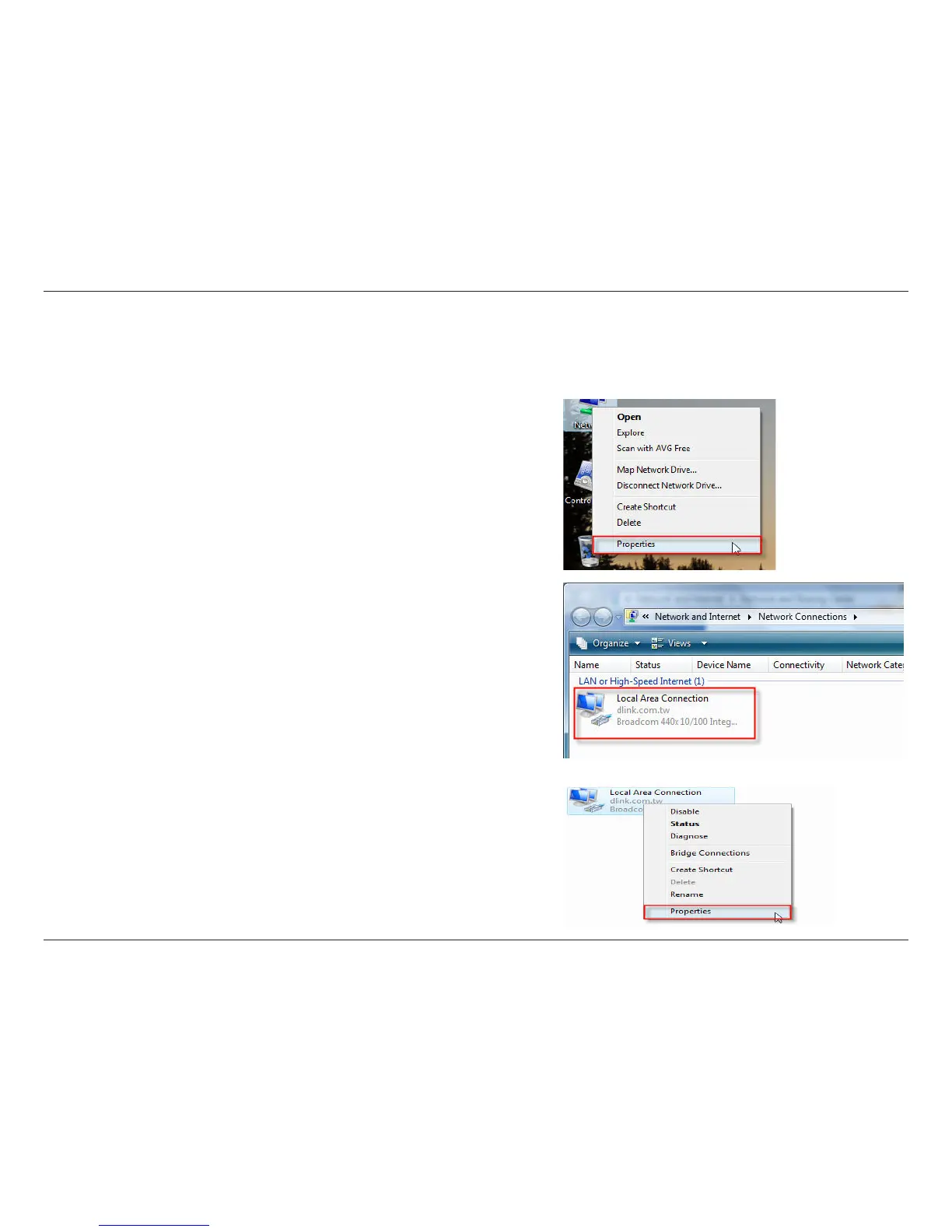
The following are step-by-step directions to congure the IP address in Windows Vista.
2. Go to the Network and Internet window and click the
appropriate Local Area Connection icon.
1. Click on Properties.
3. Right-click the Local Area Connection icon and then select
Properties from the drop-down menu.



 To Next Page