15D-Link DIR-615 User Manual
Section 3 - Conguration
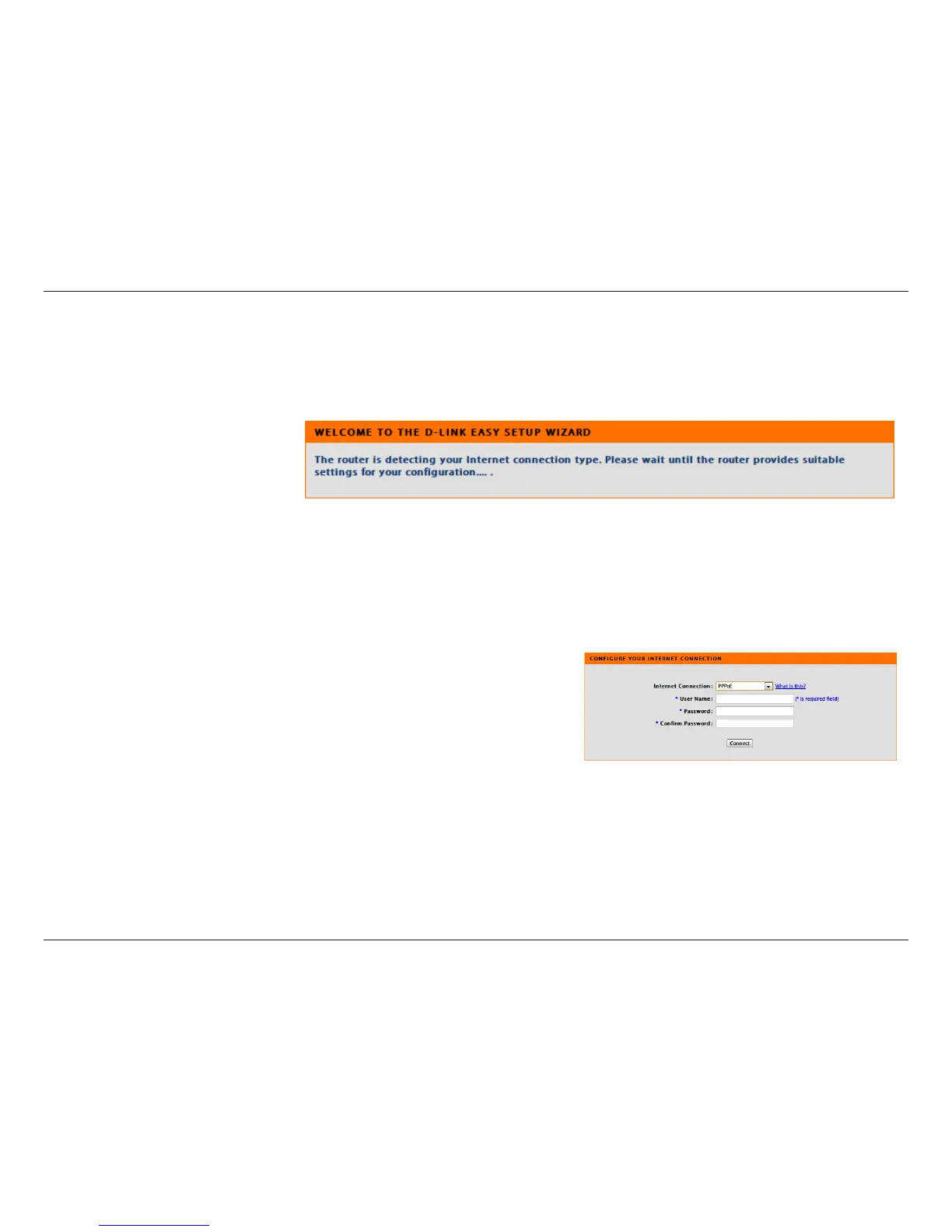
Select the type of Internet connection that Easy Setup Wizard detects,
type in necessary information and then click Next
to continue.
If you selected PPPoE, enter your PPPoE username and password.
Click Next to continue.
Select Static if your ISP assigned you the IP address, subnet mask,
gateway, and DNS server addresses.
Note: Make sure to remove your PPPoE software from your computer.
The software is no longer needed and will not work through a router.



 To Next Page